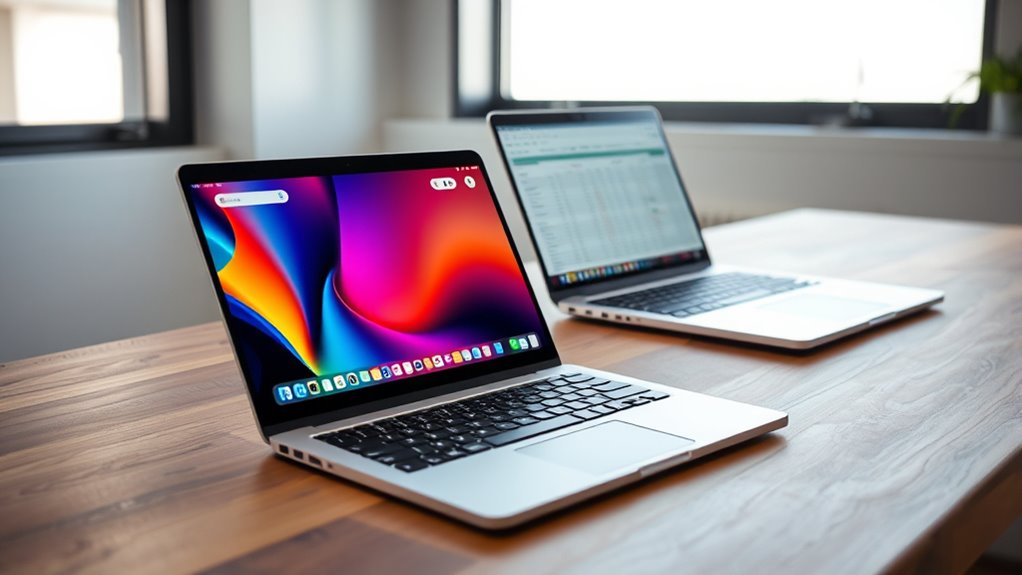

A Chromebook might meet your needs if you mostly use web-based apps, store files in the cloud, and prioritize security and simplicity. It’s great for browsing, streaming, and light productivity tasks, but falls short if you require offline access or run specialized software like Adobe Photoshop or high-end tools. To understand whether a Chromebook suits your specific workflows and preferences, consider its performance, storage options, and software compatibility—more details await if you keep exploring.

Get workout gear delivered free — and shop member deals
- Fast, free delivery on millions of items
- Access to Prime Big Deal Days deals on October 6–7
- Prime Video, Amazon Music and more included
Key Takeaways
- Chromebooks excel for cloud-based tasks, but may lack offline capabilities for large or complex files.
- They are ideal for users within Google’s ecosystem but limited for specialized or professional software.
- Automatic updates and security features reduce maintenance, but offer less control over system customization.
- Less suitable for demanding tasks like video editing or gaming due to hardware limitations.
- Choose a Chromebook if your needs are basic, online-focused, and rely on web or Android apps.
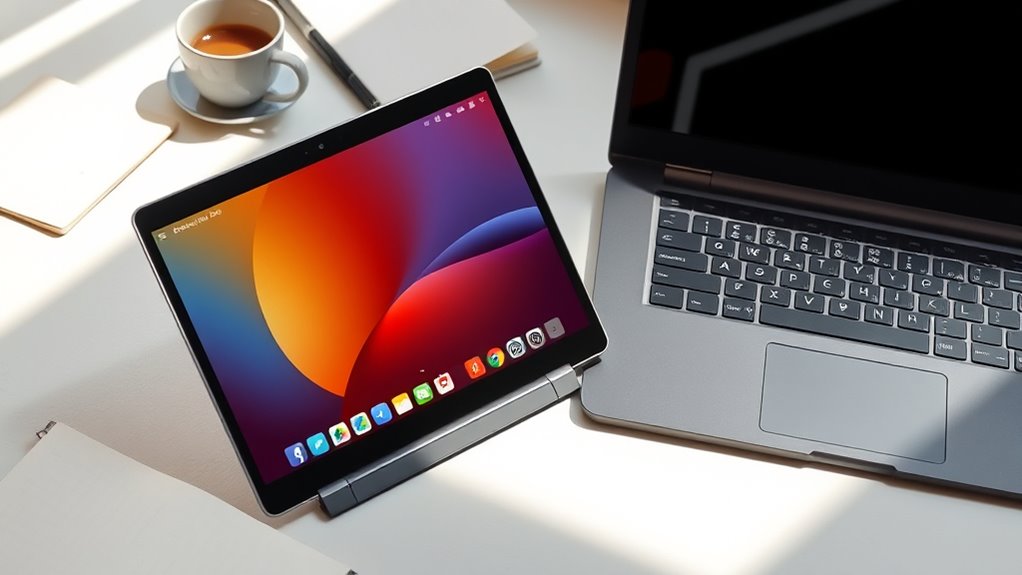
When choosing between a Chromebook and a traditional laptop, it’s important to understand their key differences to find the best fit for your needs. One of the biggest distinctions lies in how each device handles storage and software. Chromebooks primarily rely on cloud storage, like Google Drive, meaning most of your files are stored online rather than on the device itself. This setup is convenient if you prefer accessing your documents from anywhere and want to minimize local storage concerns. However, it can be a challenge if you often work offline or need access to large files without internet access. Traditional laptops typically offer more extensive local storage options, so you can keep your files on the device without depending on an internet connection.
Choosing between a Chromebook and a traditional laptop depends on your storage needs and offline work habits.
When it comes to software compatibility, Chromebooks operate mainly within the Chrome OS environment, which means they’re optimized for web-based applications and Android apps from the Google Play Store. If your workflow revolves around Google’s ecosystem—using Google Docs, Sheets, and other cloud-based tools—a Chromebook can serve you well. But if you rely on specialized software, such as Adobe Photoshop, Microsoft Office desktop versions, or industry-specific applications, a Chromebook might fall short. Traditional laptops, especially those running Windows or macOS, support a broader range of software, including professional-grade tools and legacy programs. This makes them a better choice if you need specific applications for work or creative projects.
Another aspect to deliberate is how each device handles updates and security. Chromebooks automatically update in the background, focusing on security patches and keeping the system protected with minimal effort from you. This streamlined process reduces the risk of malware and viruses, which is especially appealing if you prioritize security and ease of maintenance. Traditional laptops require manual updates and often need more careful management to keep them safe, but they also provide more control over the operating system and installed software. Additionally, home theater projectors often rely on consistent software and firmware updates to maintain optimal performance, similar to traditional laptops.
Performance-wise, Chromebooks tend to be less powerful than traditional laptops, especially those with high-end specs. They are designed for simple tasks like browsing, streaming, and light productivity. If your work includes intensive tasks such as video editing or gaming, a traditional laptop with more robust hardware might be necessary. Ultimately, your choice depends on how you use your device and whether the cloud-centric, web-based nature of Chromebooks aligns with your daily needs or if the flexibility and software compatibility of a traditional laptop better serve your requirements.
best Chromebook for cloud-based work
As an affiliate, we earn on qualifying purchases.
As an affiliate, we earn on qualifying purchases.
Frequently Asked Questions
Are Chromebooks Suitable for Gaming?
Chromebooks aren’t ideal for gaming, especially if you want high performance. However, you can still enjoy cloud gaming services like Stadia or Xbox Cloud, which stream games over the internet. Keep in mind, Chromebooks don’t offer hardware customization, so they lack the power for demanding games. If gaming is a priority, a traditional laptop with better specs might be a smarter choice.
Can I Upgrade a Chromebook’s Hardware?
You can’t generally upgrade a Chromebook’s hardware easily, especially for hardware customization or RAM upgrades. Most Chromebooks have integrated components, making hardware modifications difficult or impossible. If you’re looking to boost performance, you might consider models with more RAM upfront, but upgrading RAM later isn’t usually an option. For hardware customization, you’ll want a traditional laptop that allows easier upgrades and more flexibility.
How Secure Are Chromebooks Against Malware?
Think of your Chromebook as a fortress with walls made of digital armor. It’s highly secure against malware because it updates automatically, reducing vulnerabilities. You don’t need antivirus software, as Chrome OS’s built-in malware protection shields you from most threats. Plus, apps run in sandboxed environments, making it tough for malware to spread. So, yes, your Chromebook offers strong security, keeping your data safe from malicious attacks.
Do Chromebooks Support Adobe Photoshop?
No, Chromebooks don’t support Adobe Photoshop directly like traditional laptops. However, you can use cloud-based editing tools like Adobe Photoshop Express or access Photoshop via the browser with Adobe Creative Cloud. Plus, Chromebooks offer offline capabilities for certain apps, but for full Photoshop features, you’ll need a Windows or Mac device. If you mainly rely on cloud editing, a Chromebook might still meet your creative needs.
What Are the Battery Life Differences Between Chromebooks and Traditional Laptops?
You’ll find that Chromebooks generally have better battery longevity, often lasting around 8-12 hours, compared to traditional laptops that range from 4-10 hours. This is because Chromebooks consume less power thanks to their lightweight operating system and efficient hardware. Their lower power consumption means you get more hours of use on a single charge, making them ideal for all-day work or travel without worrying about recharging frequently.
As an affiliate, we earn on qualifying purchases.
Conclusion
Choosing between a Chromebook and a traditional laptop is like picking between a nimble boat and a sturdy ship. I once watched a friend sail smoothly through her workday on her lightweight Chromebook, while another struggled with a bulky laptop that slowed her down. If simplicity and speed matter to you, a Chromebook can be your swift vessel. But if you need more power, a traditional laptop might be your steady ship. Consider your needs—your perfect match awaits.
professional laptops for Adobe Photoshop
As an affiliate, we earn on qualifying purchases.
As an affiliate, we earn on qualifying purchases.
Chromebook with Android app support
As an affiliate, we earn on qualifying purchases.
As an affiliate, we earn on qualifying purchases.
Fall Picks
fall essentials
As an affiliate, we earn on qualifying purchases.