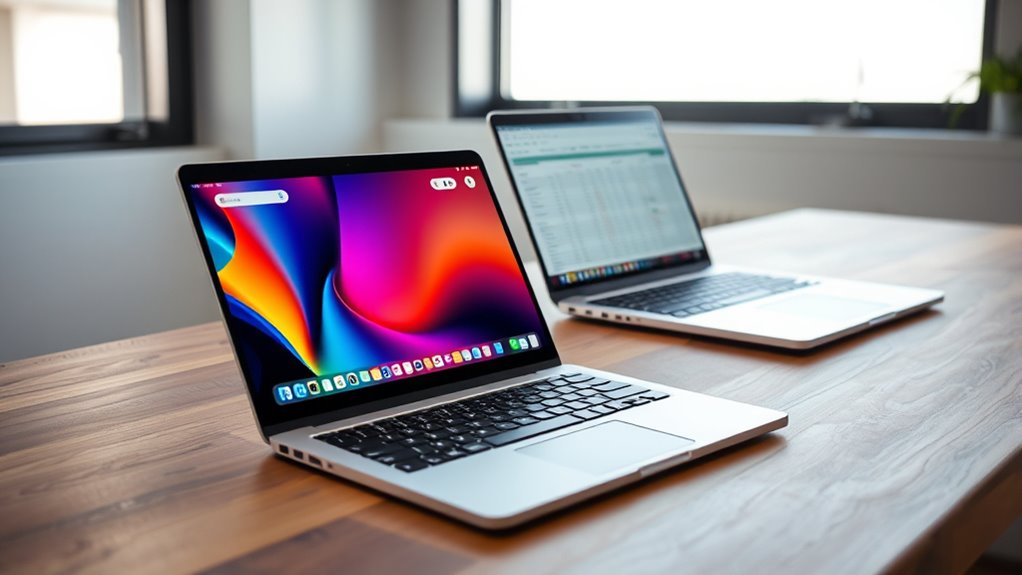
No matter your needs, understanding how a Chromebook compares to traditional laptops can help you decide if it’s the right fit—discover the key differences here.
Browsing Category
Computers & Hardware
13 posts
Build or Buy? Pros and Cons of Building Your Own PC
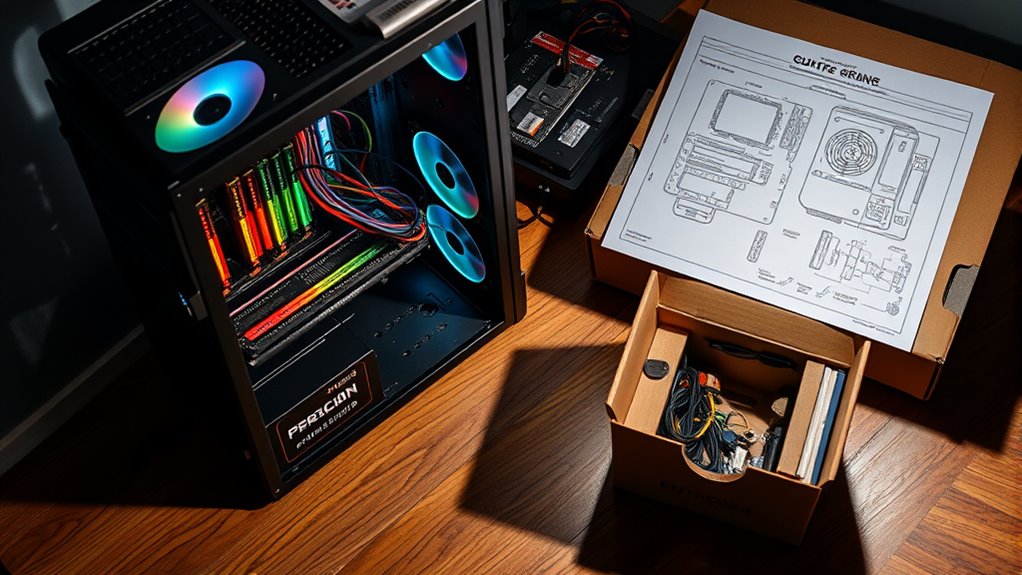
Navigating the decision to build or buy your PC can be tricky, but understanding the pros and cons will help you make the best choice.
Why Your Computer Is Overheating and How to Cool It Down
Here’s why your computer is overheating and how to cool it down—discover the common causes and effective solutions to keep your system running smoothly.
Why Your New PC Is Still Slow: Bloatware and How to Remove It
Inefficient pre-installed bloatware can slow your new PC, but removing it properly can significantly boost performance and responsiveness.
Step-by-Step: Upgrading Your Laptop’s RAM and SSD Made Easy
Optimize your laptop’s performance with our step-by-step guide to upgrading RAM and SSD—discover how easy it truly is to boost speed and efficiency.
Dual Monitors, Double Productivity? How to Set Up Two Screens
Inefficient workspace setups can hinder productivity; discover how to set up dual monitors effectively and unlock your full potential.
The Ultimate Guide to Cleaning and Maintaining Your PC
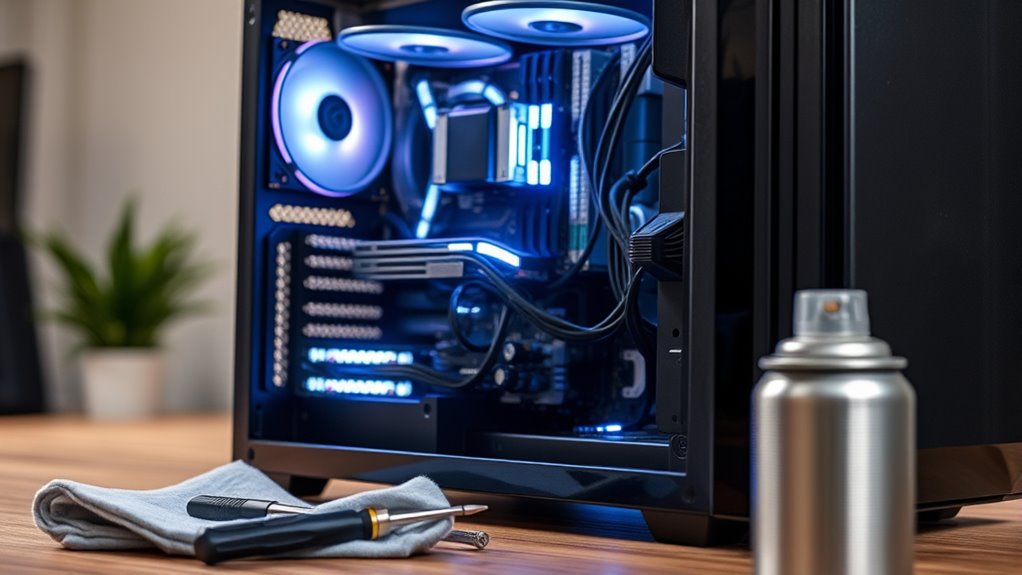
An essential guide to cleaning and maintaining your PC reveals crucial tips to keep your system running smoothly and prevent costly damage.
Understanding Computer Specifications: What Do All Those Specs Mean?
For understanding computer specs, find out what all those confusing numbers really mean to choose the right device for your needs—continue reading.
SSD Vs HDD: Which Storage Upgrade Gives You Better Performance?
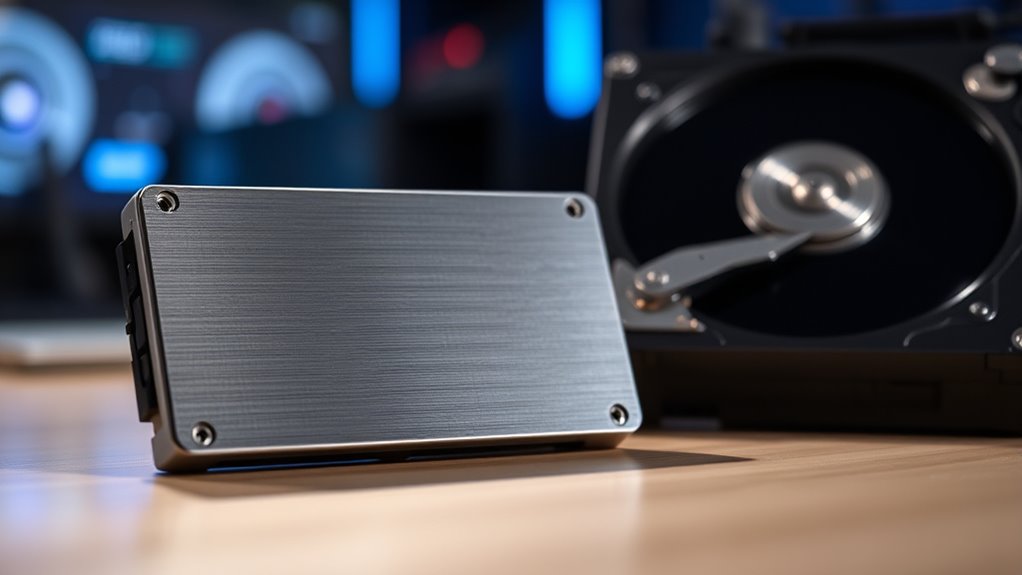
Discover why upgrading to an SSD over an HDD dramatically boosts your system’s speed and reliability, and find out which is truly better for performance.
5 Signs It’s Time to Upgrade Your Computer
Having a sluggish or crashing computer? Discover five signs that indicate it’s time for an upgrade and why you shouldn’t delay.