
To stop unwanted emails for good, start by setting up effective spam filters and creating rules to block suspicious senders or keywords. Protect your email address by avoiding public sharing and using aliases or disposable emails for sign-ups. regularly update your security settings, enable two-factor authentication, and report spam or phishing attempts. Using trusted security tools can also help keep your inbox clean. Keep exploring to find out more ways to keep spam out of your inbox.
Get ready for Prime Big Deal Days — try Prime free
Exclusive member deals on October 6–7, plus fast free delivery. Cancel anytime.
As an affiliate, we earn on qualifying purchases.
Key Takeaways
- Set up and customize spam filters to automatically detect and block unwanted emails based on keywords and suspicious traits.
- Avoid sharing your primary email publicly; use alias or disposable addresses for sign-ups and online activities.
- Regularly review your spam folder to identify false positives and adjust filter settings for better accuracy.
- Create specific email rules to automatically sort and manage incoming messages, reducing clutter and spam.
- Stay vigilant by verifying sender addresses, avoiding unknown links, and reporting suspicious emails to improve your email security.
As an affiliate, we earn on qualifying purchases.
Understanding How Spam Emails Enter Your Inbox

Spam emails often find their way into your inbox through a variety of methods, many of which are designed to bypass your spam filters. One common method involves exploiting email server vulnerabilities, where hackers take advantage of weak security settings to send spam directly from compromised servers. Additionally, cybercriminals use sophisticated phishing attack techniques to trick you into opening malicious emails. These tactics often involve fake sender addresses or convincing messages that seem legitimate. By understanding how these methods work, you can better recognize potential threats and strengthen your defenses. Staying aware of email server vulnerabilities and the tactics used in phishing attacks helps you avoid falling victim to spam and ensures your inbox remains safe and clutter-free. Monitoring email security practices can further reduce the risk of spam infiltration. Regularly updating your email software and employing security protocols can also block many spam attempts before they reach your inbox. Furthermore, adopting email authentication methods like SPF, DKIM, and DMARC can help prevent email spoofing and improve your defenses against spam. Being vigilant about email filtering settings can also help catch suspicious messages early. Employing additional spam detection tools can enhance your ability to identify and block unwanted emails before they reach your main inbox.
disposable email address service
As an affiliate, we earn on qualifying purchases.
As an affiliate, we earn on qualifying purchases.
Recognizing Common Signs of Spam Messages
You can spot spam messages by paying attention to suspicious content that seems too good to be true or contains odd language. Also, be alert if you receive emails from unexpected senders, especially if they ask for personal information. Recognizing these signs helps you avoid falling for scams and keeps your inbox safer. To further protect yourself, it’s important to understand affiliate disclosure policies so you know when links might generate commissions, which can sometimes be used to manipulate content. Additionally, understanding projector technology, such as how contrast ratio influences image quality, can help you better evaluate legitimate promotional messages. Being aware of email security practices, like verifying sender addresses and avoiding clicking on unknown links, strengthens your defenses against spam. Incorporating risk management strategies from trusted sources can also help you identify and handle suspicious emails more effectively. For example, understanding the horsepower of electric dirt bikes can help you recognize legitimate offers related to high-performance bikes rather than scams.
Suspicious Email Content
Suspicious email content often contains telltale signs that can help you identify unwanted messages. Look out for phishing tactics, where scammers try to steal personal information by pretending to be legitimate organizations. These emails often use scam language, such as urgent threats or promises of huge rewards, to pressure you into acting quickly. You might see spelling and grammatical errors or awkward phrasing that doesn’t match official communication. Unexpected links or attachments are also red flags; hover over links without clicking to check their true destination. If the email asks for sensitive info like passwords or bank details, be suspicious. Recognizing these signs can help you avoid falling victim to scams and keep your information safe. Additionally, understanding the different styles of email scams can improve your ability to spot common tactics used by fraudsters, including techniques related to secure cloud solutions which are increasingly employed to enhance cybersecurity and protect against phishing attempts.
Unexpected Sender Alerts
When an email arrives unexpectedly from an unfamiliar sender, it’s a clear sign you should proceed with caution. Pay attention to the email notification and analyze the sender identification carefully. Spam messages often come from email addresses that look suspicious or don’t match the claimed source. If the sender’s name is unfamiliar or seems off, it’s a red flag. Be wary of urgent language or offers that seem too good to be true. Always verify the sender before clicking any links or downloading attachments. Recognizing these common signs helps you avoid scams and spam. Trust your instincts when an email from an unknown sender seems strange. Staying alert with email notifications and sender identification keeps you one step ahead of unwanted messages.
two-factor authentication security key
As an affiliate, we earn on qualifying purchases.
As an affiliate, we earn on qualifying purchases.
Setting Up Spam Filters Effectively
Setting up spam filters effectively is essential for keeping unwanted emails out of your inbox. To do this, focus on email filter customization, which allows you to tailor filters to your specific needs. Start by identifying common spam traits, such as suspicious sender addresses or keywords. Use spam filter best practices like marking emails as spam rather than deleting them outright, so your system learns over time. Regularly review your spam folder to ensure legitimate messages aren’t mistakenly filtered. Adjust filter settings as needed to improve accuracy, and avoid overly broad criteria that might block important emails. Additionally, understanding cookie categories helps in recognizing how tracking and ad customization can influence your online experience. Being aware of electrical safety principles can also help prevent potential security vulnerabilities associated with email scams. Incorporating email security practices further strengthens your defenses against phishing attempts and malware. Employing advanced filtering techniques can help refine your spam detection and ensure minimal false positives. Implementing these techniques in conjunction with holistic SEO strategies can optimize your overall email security posture. With proper configuration, your spam filters will become a powerful tool for maintaining a clutter-free inbox, saving you time and frustration.
email security and spam protection tools
As an affiliate, we earn on qualifying purchases.
As an affiliate, we earn on qualifying purchases.
Creating and Managing Email Rules and Filters
Once you’ve tailored your spam filters, the next step is to create and manage email rules and filters that automate inbox organization. Rule creation allows you to specify criteria for email sorting, ensuring important messages reach you promptly while filtering out unwanted ones. You can set rules based on sender, keywords, or subject lines. Implementing digital tools to streamline this process can save you significant time and help maintain a clutter-free inbox. Additionally, understanding how email filtering algorithms work can help you fine-tune your rules for even better accuracy. Familiarizing yourself with email filtering techniques can further enhance your ability to customize your email management system effectively. Exploring automatic filtering options can also assist in reducing manual rule adjustments over time, and being aware of infrastructure considerations can ensure your email server settings support these filtering strategies effectively.
Avoiding Sharing Your Email Address Publicly
You should avoid sharing your email address openly on social media, forums, or public websites. Instead, use alias addresses when possible to protect your main account. Limiting how often you post your email helps keep unwanted messages at bay.
Use Alias Addresses
Have you ever worried about exposing your personal email address online? Using alias addresses can help. With email aliasing, you create multiple address masking your main email, so you don’t have to share your primary address. Imagine:
- A temporary email for signing up on a new site, easily discarded afterward.
- A dedicated alias for newsletters, keeping your inbox organized.
- A separate address for online shopping, preventing spam from spreading.
These aliases act as shields, protecting your main email from unwanted contacts. They’re simple to set up and manage, giving you control over who reaches you. By using alias addresses, you can reduce spam, maintain privacy, and avoid exposing your personal email publicly. It’s a smart, effective way to stay in control.
Limit Social Media Sharing
Sharing your email address openly on social media can invite unwanted spam and privacy risks. To protect yourself, tighten your social media privacy settings and avoid sharing your email publicly. Implement sharing restrictions to prevent strangers from accessing your contact info. Here’s a quick overview:
| Privacy Setting | Purpose | Best Practice |
|---|---|---|
| Profile Visibility | Limit who can see your contact info | Set to friends or private groups |
| Post Audience | Control who views your posts containing emails | Use custom audience options |
| Contact Sharing | Restrict sharing of your email in comments or posts | Turn off email sharing features |
Avoid Posting on Forums
Posting your email address on forums can quickly expose you to spam and privacy risks. When you ignore forum etiquette and online community guidelines, you open the door to unwanted messages. To protect yourself, avoid sharing your email publicly. Instead, consider these alternatives:
- Use a disposable or alias email address for forum interactions.
- Keep your primary email private, only sharing it when absolutely necessary.
- Enable spam filters and privacy settings on your email account.
Being Cautious With Subscription and Sign-Up Forms

Because some subscription and sign-up forms are designed to collect your personal information, it’s important to be cautious before providing your email or other details. Look for sites that use a double opt-in process, which requires you to confirm your subscription via email, ensuring you’re intentionally signing up. Always review the privacy policies to understand how your data will be used and if it might be shared with third parties. If a form asks for excessive information or seems suspicious, skip it. Be wary of offers that seem too good to be true, as they might be attempts to harvest your email. Taking these precautions helps protect your privacy and reduces the chances of receiving unwanted or spam emails.
Using Multiple Email Addresses for Different Purposes
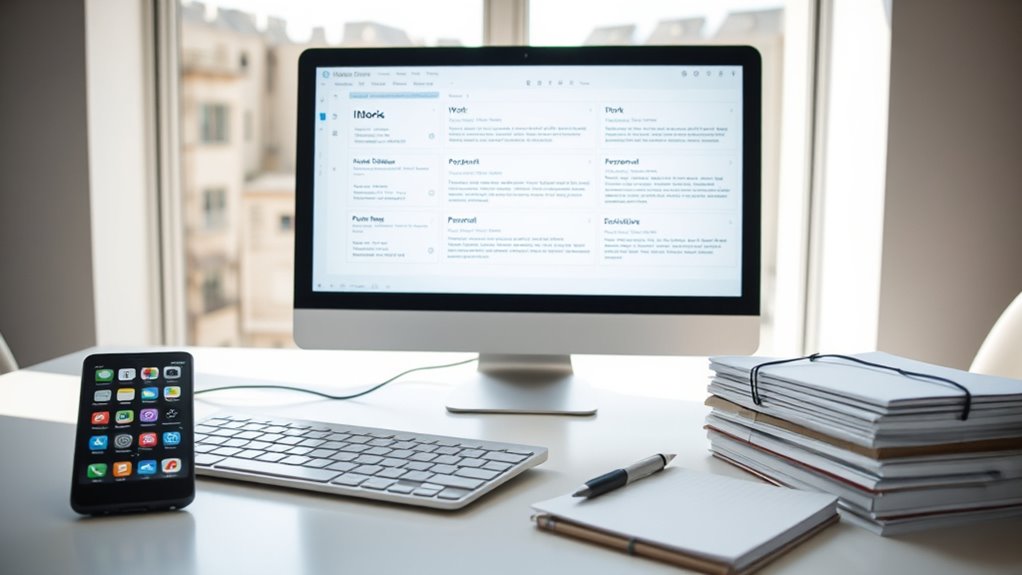
Using multiple email addresses for different purposes can help you manage your inbox more effectively and reduce spam. By practicing email account segmentation, you can keep personal, work, and shopping emails separate. This approach simplifies inbox management strategies and minimizes clutter. Visualize your inbox as three distinct buckets:
Using multiple email addresses helps organize messages and reduces spam effectively.
- The first for personal communication, containing friends and family.
- The second dedicated to work-related emails, keeping professional messages organized.
- The third for newsletters, subscriptions, and online sign-ups, preventing spam from infiltrating your main inbox.
This segmentation not only streamlines your email flow but also makes it easier to spot and delete unwanted messages. By assigning specific addresses to different activities, you stay in control of your inbox and reduce the chances of spam overwhelming you.
Regularly Updating Your Email Security Settings
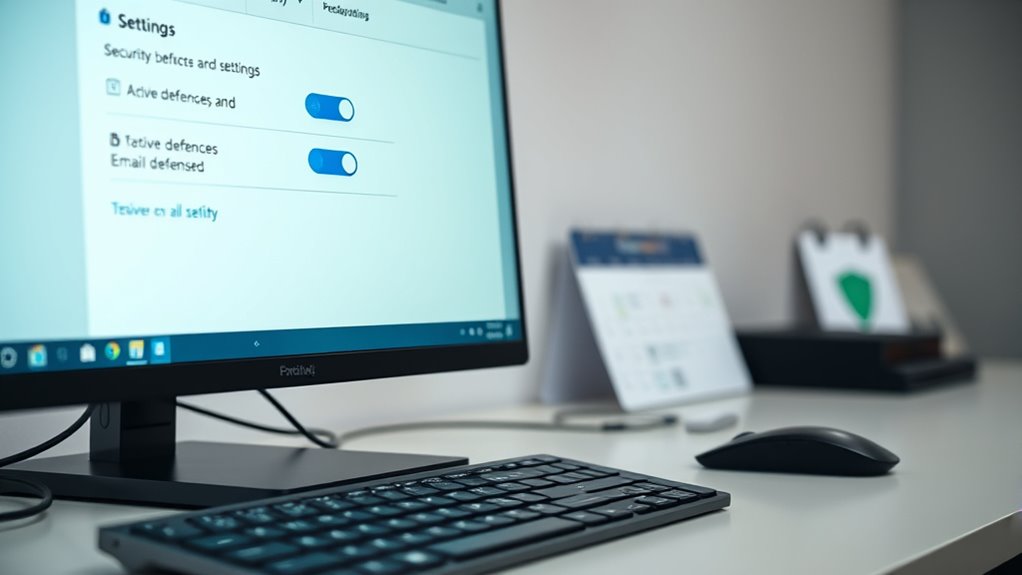
Regularly updating your email security settings is essential for protecting your inbox from evolving threats. Staying current ensures features like email encryption are active, safeguarding sensitive data. Use strong, unique passwords and manage them with reliable password management tools to prevent unauthorized access. Check your account’s security settings often to enable two-factor authentication and review connected apps. Keep your recovery options up to date to regain access if needed. Here’s a quick overview:
| Security Tip | Action | Benefit |
|---|---|---|
| Email encryption | Enable encrypted email services | Protects your messages from hacking |
| Password management | Use a password manager | Ensures strong, unique passwords |
| Regular updates | Review security settings weekly | Keeps defenses current |
Reporting Spam and Phishing Attempts
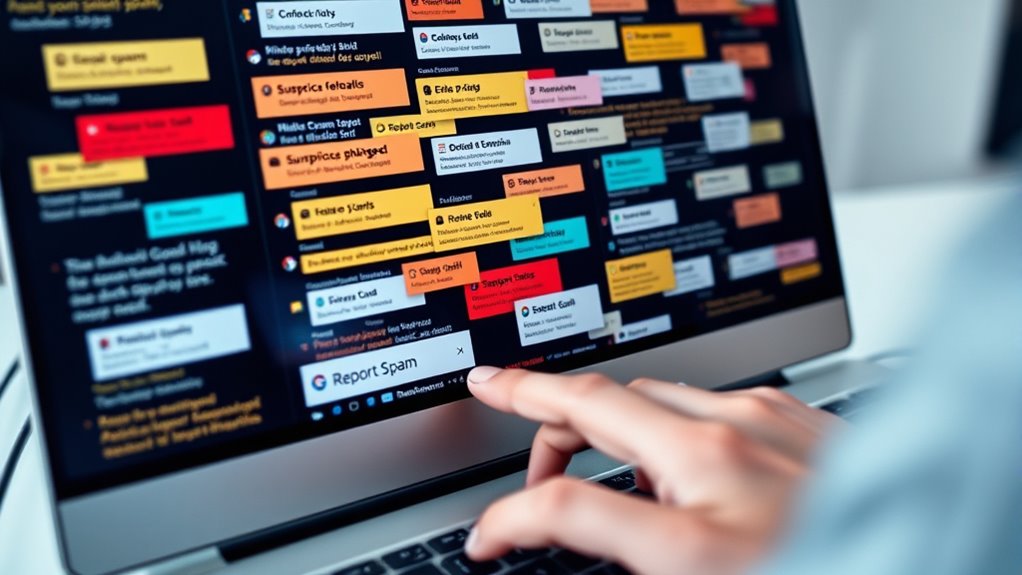
Reporting spam and phishing attempts promptly is essential for protecting your email account and preventing further attacks. When you identify suspicious messages, you play a vital role in stopping scammers. Use spam reporting tools to flag these emails quickly. Picture yourself:
- Clicking the “Report Spam” button to move malicious emails to quarantine.
- Forwarding phishing scams to your email provider’s dedicated address for analysis.
- Receiving updates that help block similar threats in the future.
Using Trusted Email Security Tools and Extensions

Equipping your email account with trusted security tools and extensions adds an extra layer of protection against spam and phishing. These tools often include advanced spam filtering algorithms that identify suspicious messages before they reach your inbox. Using email encryption helps secure your communications, preventing unauthorized access to sensitive information. Extensions like spam blockers or security suites can automatically flag or delete unwanted emails, reducing clutter and risk. By integrating these security measures, you’re actively defending against malicious content and ensuring your emails remain private. Trusted tools also update regularly to counter evolving threats, keeping your inbox safer. Don’t underestimate the power of reliable security extensions—they’re essential in creating a safer, cleaner email environment for your daily communications.
Frequently Asked Questions
How Can I Identify Sophisticated Phishing Emails?
To identify sophisticated phishing emails, look for subtle phishing indicators like mismatched URLs, unusual sender addresses, or urgent language. Check email authentication details such as SPF, DKIM, and DMARC records to verify legitimacy. Be cautious of requests for personal info or financial details. Always hover over links to see the actual URL and avoid clicking on suspicious attachments. Staying alert to these signs helps you spot and avoid advanced phishing attempts effectively.
Are There Legal Methods to Block Spam Emails Permanently?
Yes, you can legally block spam emails permanently by following spam legislation and ensuring legal compliance. Think of these laws as a shield that keeps unwanted messages at bay. Use official tools like spam filters, report spam to authorities, and set up email rules. These steps help you stay within the law while effectively reducing spam, turning your inbox into a well-guarded fortress.
What Are the Best Practices for Creating Strong Email Passwords?
You should create strong email passwords by ensuring high password complexity, mixing uppercase, lowercase, numbers, and symbols. Avoid common words or patterns, and never reuse passwords across accounts. Use a password manager to generate and store unique, complex passwords securely. This way, you reduce the risk of hacking and make it much harder for spammers or hackers to access your email account. Keep your passwords strong, unique, and safely stored.
How Do Spam Emails Affect My Device’s Security?
Like Pandora’s box, spam emails can release malware, putting your device’s security at risk. They might bypass email encryption, exposing your sensitive info, or carry malware that harms your system. These threats can lead to data theft or unauthorized access. To stay safe, always use malware protection, avoid clicking suspicious links, and be cautious with unfamiliar senders, ensuring your device remains secure against hidden dangers lurking in spam emails.
Can I Recover Emails Mistakenly Marked as Spam?
Yes, you can recover emails mistakenly marked as spam. First, check your spam folder for the email you want to recover. If you find it, move it back to your inbox to improve spam filter accuracy. Regular spam folder management helps prevent losing important messages. For email recovery, most providers let you select and restore emails easily, so you won’t miss essential information or lose valuable emails.
Conclusion
By taking control of your inbox, you’re wielding a shield against the relentless tide of spam. Think of your email as a garden—you need to prune and guard it regularly. With sharp filters, smart habits, and trusted tools, you’ll turn your inbox into a fortress of peace. Say goodbye to the chaos, and hello to a cleaner, safer digital space where only the messages you want can bloom.
Fall Picks
fall essentials
As an affiliate, we earn on qualifying purchases.