
Your phone overheats when you run heavy apps, stream videos, or keep GPS and Bluetooth on for too long, making the processor work harder and generate heat. Software bugs and outdated apps can also cause excessive CPU activity, contributing to overheating. External factors like direct sunlight and high ambient temperatures worsen the problem. To prevent this, manage your settings, keep software updated, and avoid demanding tasks simultaneously—all helpful tips that can keep your device cooler.
Open a free Amazon Business account
Business pricing, bulk buying and tax-exempt orders.
As an affiliate, we earn on qualifying purchases.
Key Takeaways
- Running multiple apps or streaming high-quality videos increases processor activity, generating excess heat.
- Software bugs or outdated apps can cause abnormal CPU usage, leading to overheating.
- High screen brightness and intensive tasks like gaming strain the device and raise its temperature.
- External factors such as sunlight and hot environments worsen overheating issues.
- Regularly updating software, managing settings, and avoiding demanding tasks help prevent overheating.
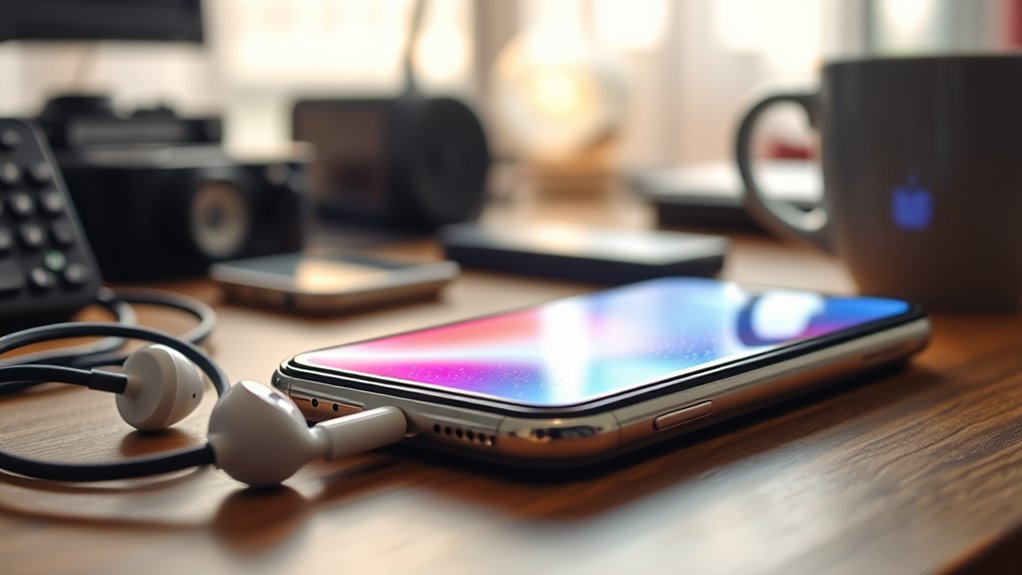
Your phone can overheat for several reasons, often related to how you use it. One common cause is the battery drain that happens when you push your device to its limits. When you run multiple apps simultaneously, stream high-definition videos, or keep GPS and Bluetooth active for long periods, your phone’s processor works overtime. This increased activity generates heat, and if the device’s cooling mechanisms can’t keep up, it starts to overheat. Additionally, a battery that’s aging or damaged can exacerbate this problem. As batteries degrade, they tend to draw more power to deliver the same performance, leading to faster battery drain and increased heat production. Recognizing when your battery is draining unusually fast can help you identify whether this is contributing to overheating.
Another noteworthy factor is software bugs. Sometimes, apps or the operating system itself have glitches that cause abnormal CPU usage or prevent proper power management. These bugs can make your phone work harder than necessary, generating excess heat. For example, a poorly optimized app might run background processes without your knowledge, continuously consuming resources and causing the device to heat up. Software updates often include patches that fix these bugs, so neglecting to keep your phone up to date can leave you vulnerable to overheating caused by inefficient or faulty code. If your phone starts overheating soon after installing a new app or update, it might be a sign of a software bug that needs addressing. Additionally, employing software quality assurance practices such as testing updates thoroughly can help minimize bugs that lead to overheating.
Furthermore, certain settings can contribute to overheating. Bright screen settings, for example, significantly impact heat generation, especially if you keep brightness at maximum or disable auto-brightness. Running intensive tasks, like gaming or video editing, pushes your CPU and GPU to their limits, raising the temperature quickly. If you notice your device heating up during these activities, it’s wise to lower screen brightness, close unnecessary apps, or take breaks to allow the device to cool down. Overheating can also be worsened by external factors like direct sunlight or hot environments, so always avoid leaving your phone in such conditions.
To prevent your phone from overheating, you should monitor app activity, keep your software updated, and manage your device’s settings wisely. Avoid overloading your phone with multiple demanding apps at once, and periodically restart your device to clear background processes. Using power-saving modes can also help regulate CPU activity and reduce heat buildup. By paying attention to how your phone behaves and making these small adjustments, you’ll extend its lifespan and keep it running smoothly without overheating issues.
As an affiliate, we earn on qualifying purchases.
Frequently Asked Questions
Can Using a Phone Case Cause Overheating?
Yes, using a phone case can cause overheating because it may trap heat and increase heat retention. Thick or poorly ventilated cases block airflow, making it harder for your device to cool down. To prevent this, choose a lightweight, well-ventilated case and avoid exposing your phone to direct sunlight or high temperatures. Regularly remove the case during intensive use to help your phone stay cool.
Does Overheating Affect Battery Lifespan?
When your phone overheats, it accelerates battery degradation, shortening its lifespan. Imagine losing important photos or contacts because your device’s thermal management failed. Overheating stresses the battery, causing chemical wear and reducing capacity over time. To protect your battery lifespan, avoid exposing your phone to heat, use proper thermal management, and keep software updated. This way, you can extend your device’s life and keep it functioning smoothly.
How Does Streaming Impact Phone Temperature?
Streaming increases your phone’s temperature because it demands continuous data transfer and processing. This extra activity causes your battery to drain faster and can slow down app performance as the device works harder to keep up. As a result, your phone heats up more quickly, which can impact overall health. To prevent overheating, avoid prolonged streaming sessions, close unused apps, and keep your device in a cool environment.
Are Overheating Issues More Common in Certain Brands?
You might notice overheating issues are more common in certain brands, especially those with less reliable reputation for software optimization. When a brand’s software isn’t well-optimized, your phone struggles to manage resources, making it overheat like a volcano about to erupt. While top brands invest in better cooling and updates, lesser-known ones may neglect this, so your device heats up faster. Picking a reputable brand can help minimize these annoying overheating problems.
Can Overheating Damage Internal Components?
Overheating can cause internal damage to your phone’s components if thermal management isn’t effective. Excess heat may warp or weaken internal parts, leading to performance issues or hardware failure. To prevent this, avoid exposing your device to high temperatures, remove cases during intensive use, and keep software updated. Proper thermal management is vital to protect your phone’s internal components and guarantee it functions at its best over time.
As an affiliate, we earn on qualifying purchases.
Conclusion
So, next time your phone overheats, don’t blame the device—it’s probably your fault for ignoring simple tips. Ironically, we often forget that our constant app use, high brightness, and neglecting updates are what push your phone to its limits. Instead of blaming the device, maybe it’s time to cool down your habits. After all, a well-maintained phone can’t overheat, but a careless user sure can make it do so.
battery health monitor for smartphones
As an affiliate, we earn on qualifying purchases.
As an affiliate, we earn on qualifying purchases.
As an affiliate, we earn on qualifying purchases.
Fall Picks
fall essentials
As an affiliate, we earn on qualifying purchases.