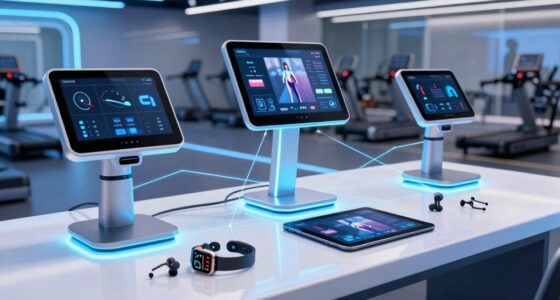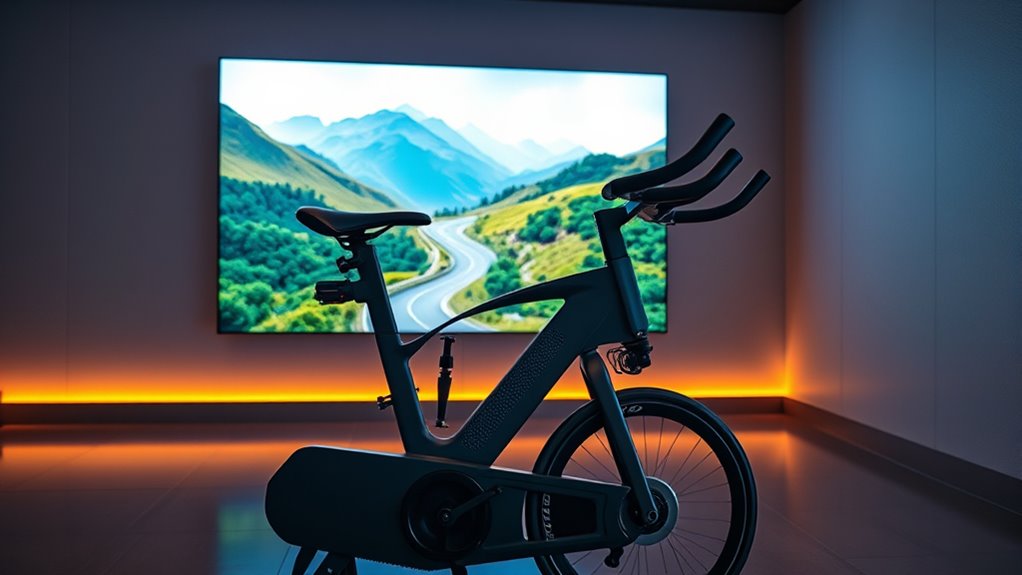

Zwift transforms indoor cycling into an immersive, interactive experience that keeps you motivated and engaged. You connect your smart trainer and devices to access virtual worlds, hop into group rides or races, and track your performance metrics like speed, power, and heart rate. Customizing your avatar and workouts helps personalize your training. If you keep exploring, you’ll learn how to maximize every ride and stay motivated on your fitness journey.
Open a free Amazon Business account
Business pricing, bulk buying and tax-exempt orders.
As an affiliate, we earn on qualifying purchases.
Key Takeaways
- Zwift transforms indoor cycling into immersive virtual experiences using smart trainers and compatible devices.
- It offers realistic terrains, group rides, and races to keep workouts engaging and motivating.
- Proper setup, calibration, and stable internet are essential for accurate data and a smooth ride.
- You can monitor real-time metrics like speed, power, and heart rate to track progress effectively.
- Customizing avatars, workouts, and equipment enhances motivation and helps achieve fitness goals.
What Is Zwift and How Does It Operate?
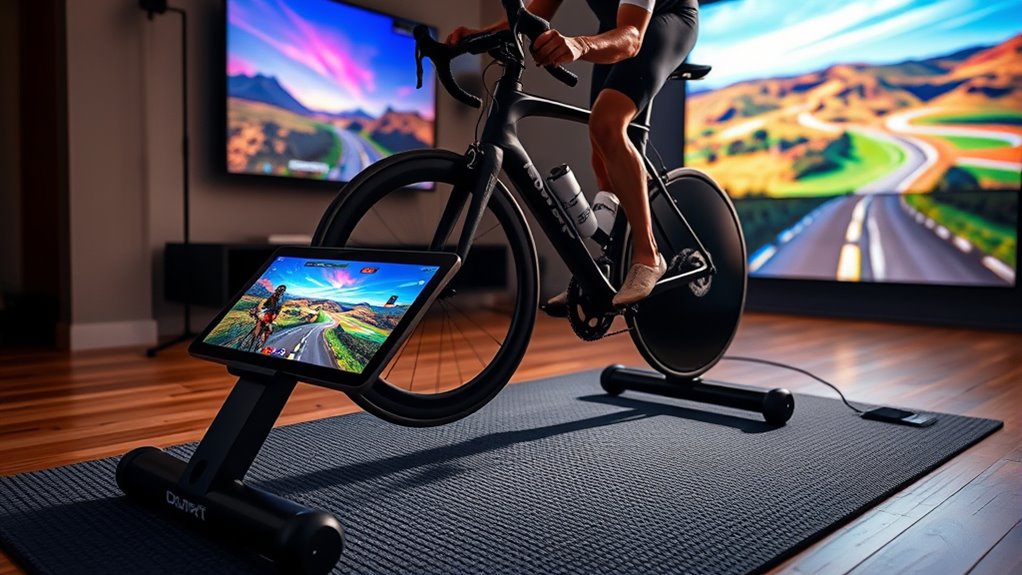
What exactly is Zwift, and how does it work? Zwift is a virtual reality platform that transforms indoor cycling into an immersive experience. Using a smart trainer and compatible device, you pedal through realistic digital worlds that respond to your effort. The platform isn’t just about riding solo; it emphasizes social engagement. You can join group rides, races, or training sessions with cyclists worldwide, making your workout more motivating and fun. Zwift’s vibrant community keeps you connected and accountable, pushing you to reach new fitness levels. Its engaging virtual environments and real-time interaction make indoor cycling feel lively and connected, helping you stay committed to your fitness goals while enjoying the camaraderie of fellow cyclists. Additionally, Zwift leverages cloud infrastructure to deliver seamless, real-time updates and multiplayer experiences across devices, ensuring a smooth and interactive experience for users. This cloud-based technology allows for constant improvements and new features, enhancing overall user engagement. The platform’s ability to sync with various devices also makes it highly adaptable to different setups and preferences, providing a more personalized training experience.
Setting Up Your Virtual Cycling Environment
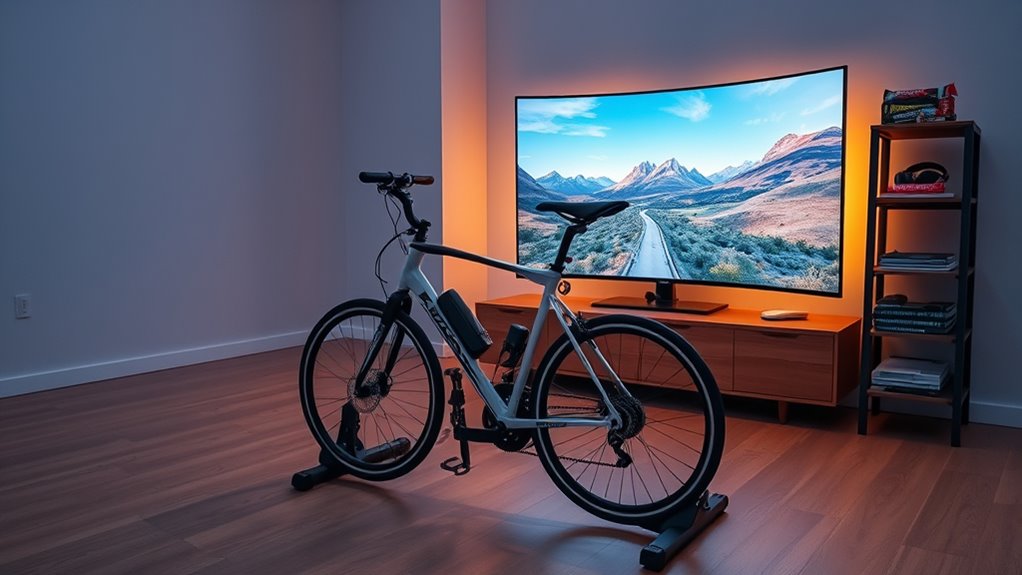
Setting up your virtual cycling environment is a straightforward process that guarantees you get the most out of Zwift’s immersive experience. Begin with your indoor setup by selecting a quiet, well-ventilated space free from distractions. Make sure your trainer and cycling equipment are positioned securely and comfortably. Next, calibrate your equipment by following the manufacturer’s instructions—this ensures accurate power readings and smooth performance. Proper calibration is essential for an effective workout and a realistic feel during rides. Check that your bike is level and stable, and connect sensors or smart trainers correctly. Ensuring your indoor setup is optimized can significantly enhance your overall cycling experience. Additionally, consider reviewing your safety precautions to prevent accidents during intense sessions. Once your indoor setup is optimized and your equipment is calibrated, you can also pay attention to equipment maintenance to keep everything functioning properly. Regular maintenance and professional services can help prevent disruptions during your rides and extend the lifespan of your gear. Incorporating AI-powered data analytics can also help you track your progress and tailor future workouts for better results.
Connecting Your Equipment to Zwift
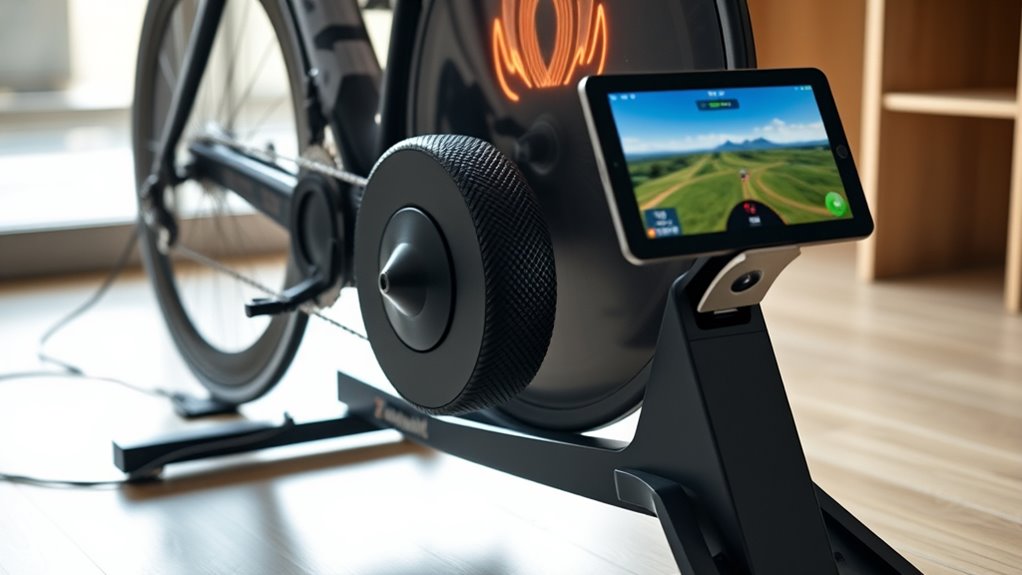
Once your indoor setup is ready and your equipment is calibrated, it’s time to connect everything to Zwift. Proper sensor calibration ensures accurate data transfer, so double-check your sensors before pairing. Device compatibility is essential—make sure your bike trainer, heart rate monitor, and other devices work with Zwift. To get connected:
- Turn on your devices and ensure they’re in pairing mode.
- Launch Zwift and navigate to the pairing screen.
- Select each device from the list to connect.
- Confirm that data appears correctly on-screen.
- Ensuring your sensors have a high refresh rate can improve tracking accuracy during your workouts for optimal performance. Additionally, maintaining a reliable internet connection helps prevent data dropouts and ensures smooth operation. Leveraging wireless connections such as ANT+ or Bluetooth can enhance device stability. This process guarantees your equipment syncs smoothly, providing precise metrics and a seamless experience. Always verify connections before starting your ride to avoid interruptions. Proper setup maximizes your workout benefits and keeps your data accurate.
Navigating the Zwift Interface and Features
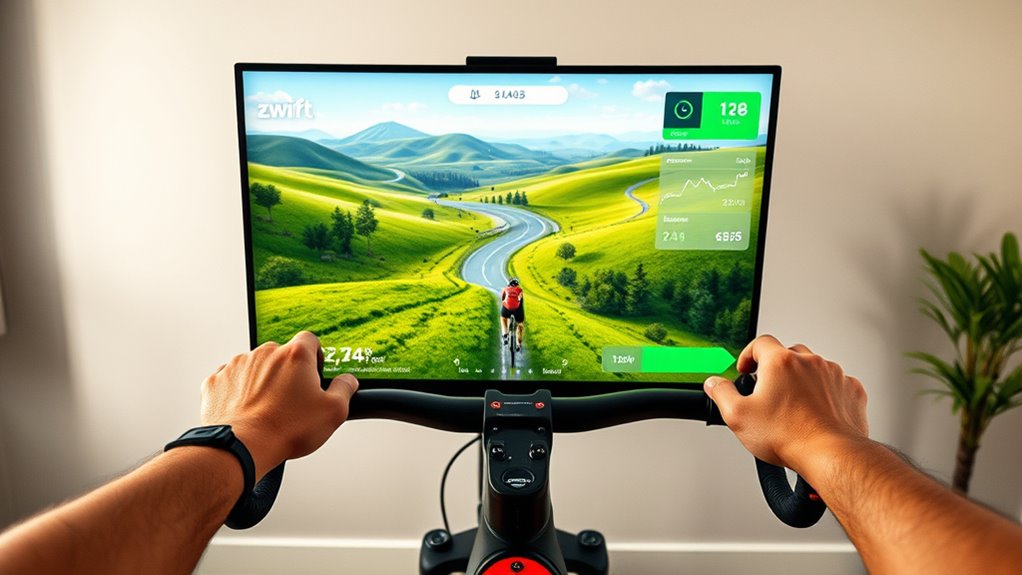
Getting familiar with the Zwift interface is essential to making the most of your training sessions. When you log in, you’ll see your avatar and a menu with options to navigate virtual terrain, customize your avatar, and access settings. The interface is user-friendly, allowing quick adjustments during rides. Use the map to select routes, explore different virtual terrains, and track your progress. You can personalize your avatar with clothing and accessories, making your experience more engaging. Here’s a quick overview:
| Feature | Function |
|---|---|
| Virtual Terrain | Choose scenic routes and challenging courses |
| Avatar Customization | Personalize your rider’s look and gear |
| Main Menu | Access workouts, settings, and social features |
Mastering these features helps you stay motivated and get the most from every ride. Interface design ensures an intuitive user experience that enhances your training. Additionally, understanding how to navigate the interface efficiently can save you time and keep you focused on your fitness goals.
Participating in Rides and Races
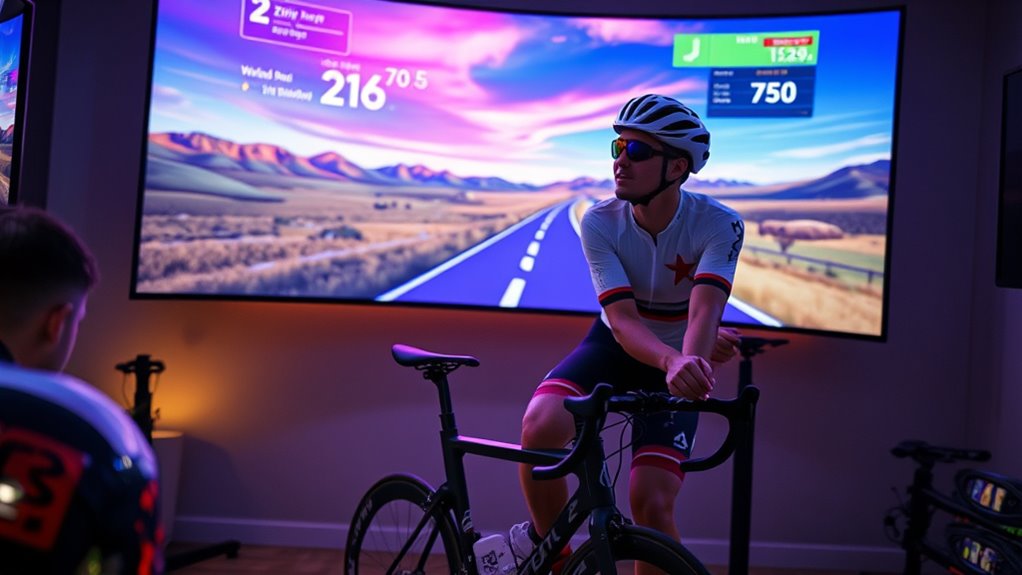
After familiarizing yourself with the Zwift interface and features, you’re ready to jump into rides and races. Participating effectively requires understanding virtual race strategies and group ride etiquette. Here are some tips:
- Communicate clearly; use chat or signals to alert others of your intentions.
- Maintain a steady pace, especially in group rides, to avoid disrupting the flow.
- Use drafting techniques to conserve energy and boost performance.
- Respect others’ space—avoid sudden moves or blocking, which can be dangerous.
- Remember that effective communication and understanding of digital tools can significantly enhance your riding experience.
- Be aware of the virtual environment, including terrain and race dynamics, to better anticipate challenges and optimize your performance.
Tracking Your Performance and Progress
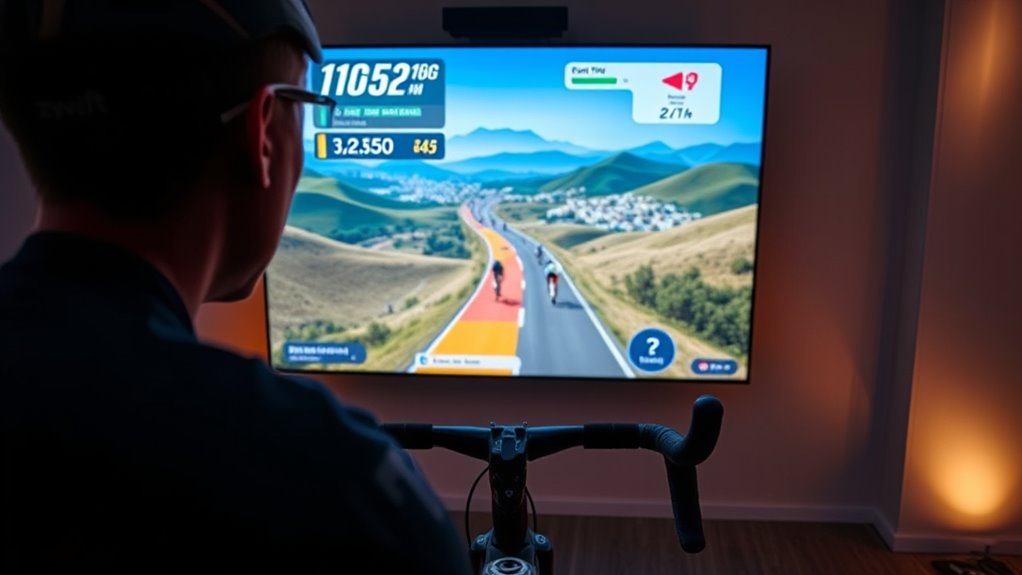
Tracking your performance helps you see how you’re improving over time. You can monitor key metrics like speed, power, and heart rate to stay motivated. Visual progress displays make it easy to spot your gains at a glance and adjust your training accordingly. Using data visualization tools can further enhance your understanding of your progress and help identify areas for improvement. Incorporating performance metrics into your routine provides objective feedback that supports consistent growth. Regularly reviewing training data analysis can uncover patterns and trends, allowing for more targeted adjustments. Engaging with biodiversity data can also give you insights into natural patterns and variability, enriching your training insights. Additionally, understanding training variability can help you better interpret fluctuations in your data and optimize your training plan.
Monitoring Key Metrics
Monitoring key metrics is essential for understanding how you’re progressing and identifying areas for improvement. Tracking data like heart rate and power output helps you gauge effort levels and workout effectiveness. By paying close attention to these metrics, you can tailor your training to meet specific goals. Here are four key points to consider:
- Keep an eye on heart rate to ensure you’re training within your target zones.
- Use power output to measure the intensity of your efforts.
- Consistently tracking these metrics helps identify trends over time.
- Adjust your workouts based on real-time data for peak performance gains.
- Understanding your training data allows you to optimize your regimen and achieve better results.
Focusing on these numbers allows you to train smarter, avoid overtraining, and ultimately improve your fitness level efficiently.
Visual Progress Displays
Have you ever wondered how to see your progress at a glance? Zwift offers visual progress displays that make tracking easy and motivating. As you ride, your screen shows real-time data like speed, power, and heart rate, giving instant feedback. You’ll also notice achievement milestones pop up, celebrating your efforts and inspiring you to push further. Virtual badges are awarded for reaching specific goals, like completing a certain distance or climbing a set elevation. These badges serve as visual reminders of your accomplishments and help you see tangible evidence of your progress. By regularly checking these displays, you stay motivated and focused on your fitness journey, turning every ride into a visual story of growth and achievement.
Customizing Your Avatar and Workouts

Customizing your avatar and workouts is a great way to make your Zwift experience more engaging and personalized. Avatar customization allows you to select your appearance, gear, and bike, making your virtual presence unique. Workout personalization helps tailor your training to meet your fitness goals. To maximize this, consider these key points:
- Explore avatar customization options to reflect your style and motivation.
- Use workout plans or create custom sessions that fit your fitness level.
- Adjust difficulty settings to challenge yourself appropriately.
- Save favorite workouts for consistent progress tracking.
Benefits of Using Zwift for Fitness Goals
Using Zwift keeps you motivated with engaging workouts and real-time feedback. The community support and challenges push you to stay committed and enjoy your fitness journey. Plus, personalized progress tracking helps you see your improvements clearly and stay focused on your goals.
Enhanced Workout Motivation
One of the biggest advantages of Zwift is how it boosts your motivation to stick with your fitness goals. The platform offers engaging features like virtual coaching, which keeps you focused and progressing. Social engagement also plays a key role, making workouts more enjoyable and less lonely. Here’s how Zwift enhances your motivation:
- Leaderboards and rankings push you to improve your performance.
- Real-time feedback from virtual coaches keeps you on track.
- Group rides and races foster a sense of community.
- Achieving virtual rewards and unseal new routes motivates continued effort.
These elements create a dynamic environment that encourages consistency, making your fitness journey more exciting and rewarding.
Community Support & Challenges
Community support and challenges are among the most powerful benefits of Zwift, as they create a motivating environment that keeps you engaged. With group training sessions, you can ride alongside others, fostering a sense of camaraderie and accountability. The social engagement features allow you to chat with fellow cyclists, share tips, and celebrate each other’s progress, making workouts more enjoyable. Participating in challenges or races pushes you to improve your performance while connecting you with a broader community. This sense of collective effort helps break the monotony of solo training, keeping your motivation high. By engaging with others in real-time, you turn fitness into a social activity, which can boost consistency and make reaching your goals feel more achievable.
Personalized Progress Tracking
Personalized progress tracking is a key advantage of Zwift that helps you stay focused on your fitness goals. It seamlessly syncs your workout data across devices, ensuring your progress is always up-to-date. With data synchronization, you get accurate, real-time insights into your performance. Zwift provides personalized feedback, guiding you on how to improve and adjust your training. Here are four benefits:
- Clear visual charts of your progress over time
- Customizable goals tailored to your fitness level
- Instant feedback after each ride or workout
- Motivation through milestone achievements
This tailored approach keeps you motivated and informed, making it easier to stay committed and reach your fitness targets efficiently.
Tips for Maximizing Your Virtual Cycling Experience
To get the most out of your virtual cycling sessions, focus on optimizing your setup and training habits. Invest in quality virtual cycling gear, like a reliable trainer and comfortable apparel, to improve comfort and performance. Make sure your bike setup is correct to prevent injuries and maximize efficiency. Follow well-structured training plans tailored to your fitness level, which help you stay motivated and track progress. Consistency is key, so establish a regular schedule and stick to it. Use the platform’s features, such as virtual routes and group rides, to stay engaged. Additionally, monitor your data and adjust your training plans as needed to challenge yourself and prevent plateaus. These tips help you get more effective workouts and enjoy your virtual cycling experience fully.
Frequently Asked Questions
Can I Use Zwift on Multiple Devices Simultaneously?
You can’t use Zwift on multiple devices simultaneously with a single account. For a multi-device setup, each device needs its own Zwift account. If you try to run multiple sessions with one account, you’ll encounter login issues. To enjoy simultaneous account use, you must subscribe separately for each account. This setup allows different users or devices to ride at the same time without interruption or conflict.
Is Zwift Suitable for Beginners With No Cycling Experience?
Yes, Zwift is beginner friendly and perfect if you have no prior experience. You’ll find it easy to start because the platform offers guided workouts, tutorials, and an intuitive interface. You can ride at your own pace, and the virtual environment keeps you motivated. Plus, there’s a supportive community to help you learn and improve, making your first steps into cycling smooth and enjoyable.
How Secure Is My Personal Data on Zwift?
Your personal data on Zwift is kept as safe as a treasure locked behind a sturdy door. They follow privacy policies diligently, ensuring your information stays private. Data encryption acts like a secret code, shielding your details from prying eyes. While no system is entirely infallible, Zwift’s safeguards provide solid protection, so you can focus on your rides without worry, knowing your privacy is a top priority.
Can I Cancel My Zwift Subscription Anytime?
Yes, you can cancel your Zwift subscription anytime. The cancellation process is straightforward, offering you subscription flexibility to manage your membership according to your needs. Simply log into your account on the Zwift website or app, navigate to your account settings, and follow the prompts to cancel. This way, you maintain control over your subscription and can restart it whenever you’re ready.
Does Zwift Support Third-Party Cycling Accessories?
Yes, Zwift supports third-party cycling accessories, thanks to its broad accessory compatibility and third-party integration. You can connect popular devices like power meters, heart rate monitors, and smart trainers from various brands. This seamless compatibility enhances your experience, allowing you to customize your workout setup. Just verify your accessories are compatible with Zwift’s requirements, and you’ll enjoy a smooth, integrated virtual cycling experience tailored to your gear.
Conclusion
Now that you know how Zwift works and how to get started, you’re ready to embark on your virtual cycling adventure. With a bit of practice, you’ll feel like a modern-day knight riding through digital kingdoms, conquering hills and racing opponents from your living room. Keep exploring, stay consistent, and enjoy the journey—after all, even in this digital age, the thrill of cycling remains timeless. Happy riding!
Flea & tick season Picks
flea and tick prevention
As an affiliate, we earn on qualifying purchases.