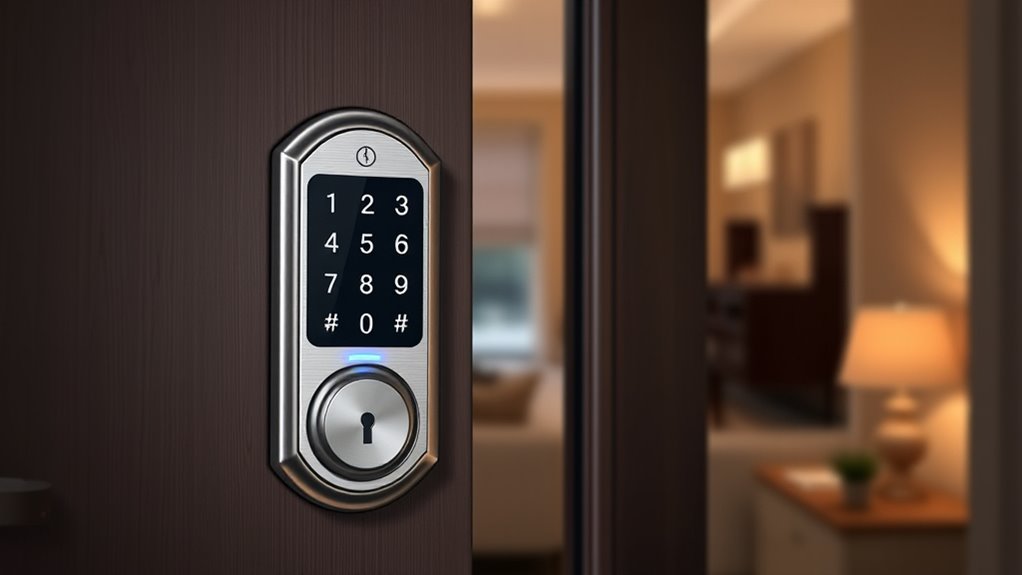

Smart locks can be convenient with keyless entry, but they come with security risks you should consider. Wireless connections like Wi-Fi or Bluetooth can be hacked, and biometric systems aren’t foolproof, potentially allowing unauthorized access. While many models include backup keys or codes, vulnerabilities in firmware and encryption remain. If you want to understand how to maximize security and what to watch out for, there’s more important info you should explore.
Key Takeaways
- Smart locks offer convenience but depend on wireless signals, which can be intercepted or hacked, posing security risks.
- Biometric authentication provides quick access but can be fooled by high-quality replicas or suffer from errors.
- Regular firmware updates and choosing reputable brands enhance security but vulnerabilities may still exist.
- Backup methods like keypad codes or physical keys are essential to prevent lockouts during biometric or electronic failures.
- Proper security practices, such as strong encryption and vigilance, are vital to mitigate hacking risks of keyless entry systems.
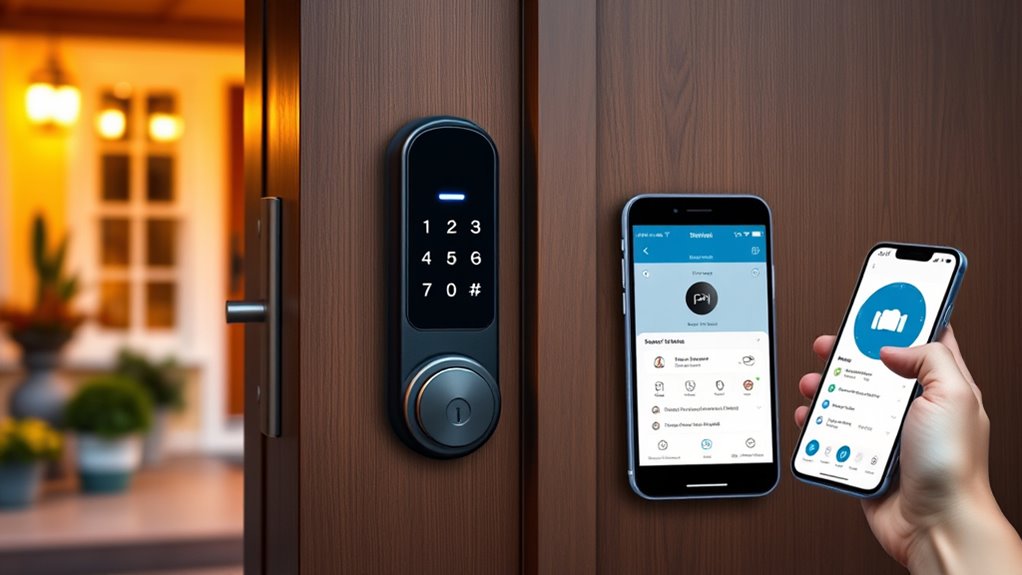
Are smart locks truly secure enough to replace traditional keys? That’s a question many homeowners ask as they consider upgrading to keyless entry systems. While the convenience of unlocking your door with a smartphone or fingerprint is undeniable, it’s essential to understand the potential security pitfalls. Smart locks, especially those that rely on biometric authentication, are not immune to vulnerabilities. Biometric vulnerabilities, like fingerprint or facial recognition errors, can sometimes be exploited or falsely triggered. Hackers are becoming increasingly sophisticated, and hacking risks pose a real concern. They may attempt to breach your lock’s wireless communication or find ways to clone biometric data. Although manufacturers implement encryption and security protocols, no system is entirely foolproof. It’s worth noting that, unlike traditional keys, which can be copied or lost, digital vulnerabilities introduce new kinds of threats.
Hacking risks are amplified if you don’t keep your lock’s firmware updated or if you choose a model with weak security features. Some smart locks are vulnerable because they rely on Wi-Fi or Bluetooth connections that can be intercepted or hacked if not properly secured. Cybercriminals may exploit these vulnerabilities to gain access to your home, sometimes without leaving obvious signs of intrusion. That’s why it’s essential to select a reputable brand with robust security measures and to keep your device’s software current. While biometric data can add a layer of convenience, it also demands careful management of your data privacy. If your biometric information is stored insecurely or transmitted without adequate encryption, it becomes a tempting target for hackers.
Furthermore, you should consider the risks associated with biometric authentication errors—false negatives or positives—potentially locking you out or granting access to unauthorized individuals. If your fingerprint scanner malfunctions or is fooled by a high-quality replica, it defeats the purpose of using biometric security. While these issues aren’t common, they highlight the importance of having backup access methods, like a keypad code or physical key. Additionally, the increasing sophistication of AI-driven hacking techniques underscores the importance of understanding the security measures implemented in your smart lock system. To conclude, smart locks bring a new level of convenience but also introduce unique security challenges. Biometric vulnerabilities and hacking risks are real concerns you should weigh carefully. Choosing a reliable lock with strong encryption, keeping software up-to-date, and having multiple backup options can help mitigate these risks. Ultimately, smart locks can be safe, but only if you remain vigilant and proactive about their security features.
Frequently Asked Questions
Can Smart Locks Be Hacked Remotely?
Yes, smart locks can be hacked remotely through wireless vulnerabilities, especially if their encryption standards are weak. Hackers might exploit insecure Wi-Fi connections or outdated firmware to gain access. To stay protected, make certain your smart lock uses strong encryption, regularly updates its software, and has a secure Wi-Fi network. This way, you reduce the risk of unauthorized access and keep your home safer.
What Happens During a Power Outage?
During a power outage, your smart lock switches to backup power, ensuring security stays seamless. Without mains power, the lock still works thanks to batteries or backup systems. You can typically release it manually with a physical key or use a backup power source if available. This backup plan provides peace of mind, preventing your property from being powerless and protecting your peace during unpredictable power problems.
Are Smart Locks Compatible With All Door Types?
Smart locks aren’t compatible with all door types, so you’ll need to check door compatibility and installation requirements first. They typically work with standard wooden, metal, and composite doors, but may require additional adapters or modifications for thicker or unusual doors. Before buying, verify the lock’s specifications and confirm your door meets the necessary installation requirements. This way, you ensure a smooth setup and reliable operation of your keyless entry system.
How Do I Reset a Compromised Smart Lock?
Worried your smart lock’s been compromised? You should perform a factory reset to restore security. Start by replacing the batteries to guarantee it’s powered correctly, then follow the manufacturer’s instructions for a factory reset—usually involving a specific button sequence or app. This clears all previous codes and data, giving you a fresh start. Isn’t preventing unauthorized access worth a quick reset? Keep your smart lock secure and your home safe.
Do Smart Locks Increase Home Insurance Costs?
Smart locks can sometimes increase your home insurance costs because insurers view them as security vulnerabilities if not properly maintained or updated. However, integrating smart locks as part of your home automation system can enhance your overall security, potentially reducing premiums. To avoid higher costs, verify your smart lock is secure, regularly update firmware, and follow best practices for digital safety. This way, you balance convenience with protection.
Conclusion
Smart locks can feel as secure as a vault, but they aren’t foolproof. While they offer convenience and advanced features, they also come with potential vulnerabilities like hacking or technical glitches. You should weigh their benefits against the risks, just like choosing between a sturdy lock and a delicate paper lock. Ultimately, staying informed and practicing good security habits will help keep your home safe, making smart locks a smart choice—if used wisely.