To protect your smart home, start by changing default passwords on all IoT devices and use strong, unique ones. Keep your device firmware updated regularly to patch vulnerabilities. Set up a separate Wi-Fi network for your IoT devices to contain potential breaches. Enable your router’s firewall and disable any unnecessary features. Regularly review your security settings and stay vigilant for suspicious activity. Continuing to explore these practical steps can help you better guard your connected home.
Prime for Young Adults — start your free trial
Fast free delivery, streaming and member deals for eligible 18–24 year olds.
As an affiliate, we earn on qualifying purchases.
Key Takeaways
- Change default passwords and use strong, unique credentials for each IoT device.
- Regularly update device firmware and enable automatic updates when available.
- Segment IoT devices on a separate Wi-Fi network from personal devices.
- Configure your firewall to block unnecessary ports and monitor network traffic.
- Continuously review security settings and stay vigilant against suspicious activity.
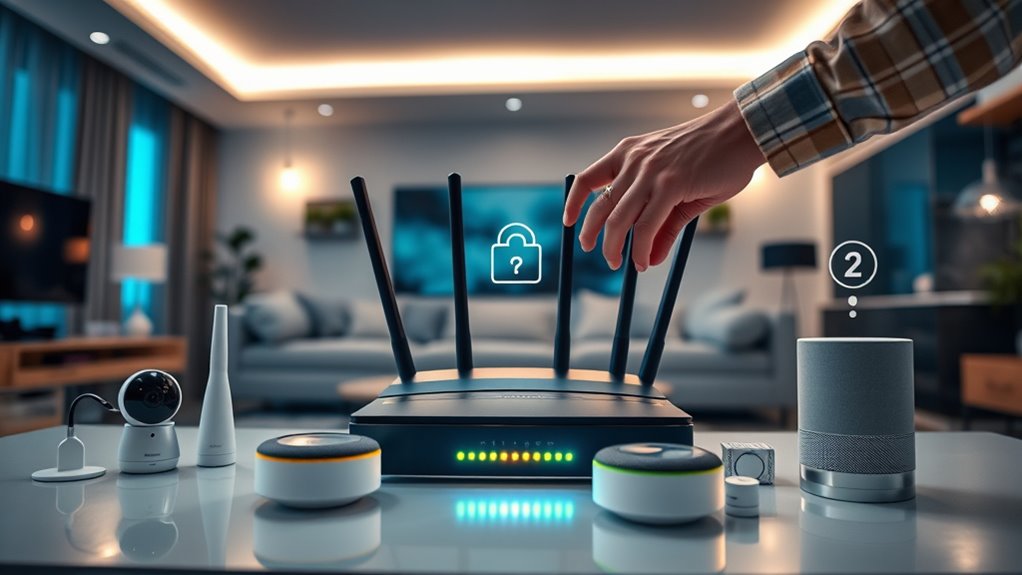
As the number of Internet of Things (IoT) devices continues to grow, so do the security risks they pose. These devices often have vulnerabilities that hackers can exploit to gain access to your home network, potentially leading to data theft or even physical security breaches. To protect your smart home, you need to be proactive in securing each device and your overall network. One of the foundational steps is ensuring proper firewall configuration. Firewalls serve as gatekeepers, monitoring and controlling incoming and outgoing traffic based on predefined security rules. By configuring your firewall correctly, you create a barrier that helps prevent unauthorized access from malicious actors. This means blocking unnecessary ports and services, especially those that are rarely used or known to be vulnerable. Many routers come with built-in firewalls, but they often require manual setup to be effective. Take the time to review your firewall settings, disable any features you don’t need, and keep the firmware updated to patch known security flaws. Proper firewall configuration is your first line of defense against external threats.
Alongside firewall adjustments, good password management is essential. Many IoT devices come with default passwords, which are often easy for hackers to guess or find online. Changing these defaults immediately is a simple yet effective step. Use strong, unique passwords for each device and your home network. Avoid common phrases or predictable patterns—consider using a password manager to generate and store complex passwords securely. This way, you won’t have to remember each one, reducing the temptation to reuse passwords across devices. Regularly updating passwords, especially after a potential breach or suspicious activity, keeps your devices safer. Strong password management not only prevents unauthorized access but also minimizes the risk of lateral movement within your network if one device gets compromised.
Additionally, keep your IoT device firmware up to date. Manufacturers often release updates that patch security vulnerabilities, so enabling automatic updates or checking regularly is indispensable. Combine this with segmenting your network—placing IoT devices on a separate Wi-Fi network from your personal computers and smartphones—further isolates potential breaches. Remember, securing your smart home isn’t a one-time task; it’s an ongoing process that requires vigilance. By paying close attention to firewall configuration and practicing diligent password management, you considerably reduce the chances of hackers infiltrating your network. Taking these steps empowers you to enjoy the convenience of IoT devices without sacrificing your privacy and security.
As an affiliate, we earn on qualifying purchases.
Frequently Asked Questions
How Often Should I Update My Iot Device Firmware?
You should update your IoT device firmware as soon as security patches become available, ideally at least once a month. Regular firmware updates ensure you get the latest security patches, fixing vulnerabilities that hackers might exploit. By keeping your firmware current, you reduce the risk of breaches and keep your smart home secure. Don’t delay updates—staying proactive is the best way to protect your devices from potential threats.
Can I Use a VPN to Protect My Smart Home?
A stitch in time saves nine, and using a VPN can definitely help protect your smart home. You can use a VPN to enhance security by encrypting your device traffic and shielding your IoT devices from potential hackers. VPN security creates a secure tunnel for data, reducing risks. Just remember, combining VPN use with strong device encryption and regular updates offers the best defense against cyber threats.
Are There Specific Brands More Secure Than Others?
Some brands are more secure than others, thanks to their strong reputation and robust security features. You should look for brands with a proven track record of regular updates and strong encryption. Check reviews for security concerns and opt for those that prioritize user privacy. By choosing a reputable brand with advanced security features, you’re better protected against hackers and can enjoy a safer smart home experience.
How Do I Detect if an Iot Device Has Been Hacked?
If you suspect your IoT device has been hacked, start with device anomaly detection and network traffic analysis. Unusual activity, like unexpected data transfers or device responsiveness changes, can indicate compromise. Check for unfamiliar connections or strange behavior. Use network monitoring tools to spot anomalies. Regularly update firmware and reset devices if needed. Staying vigilant helps you catch potential breaches early and keeps your smart home secure.
What Are the Best Practices for Guest Access Management?
You should implement strict guest access management by creating separate accounts with unique passwords for each guest. Use strong, complex passwords and change them regularly to prevent unauthorized access. Limit guest permissions to only what’s necessary, avoiding full control over your smart home devices. Keep your password management organized with a password manager, and avoid sharing passwords through insecure channels. These steps help secure your IoT devices against potential threats.
strong unique passwords for smart home devices
As an affiliate, we earn on qualifying purchases.
As an affiliate, we earn on qualifying purchases.
Conclusion
By taking simple steps like changing default passwords and keeping your devices updated, you can substantially boost your smart home’s security. Did you know that over 80% of IoT device breaches happen due to weak or default credentials? Staying vigilant and proactive helps protect your personal data and keeps hackers at bay. Secure your devices today, and enjoy a safer, smarter home without worry. Your peace of mind is worth the effort!
automatic firmware update for IoT devices
As an affiliate, we earn on qualifying purchases.
As an affiliate, we earn on qualifying purchases.
separate Wi-Fi network for smart home
As an affiliate, we earn on qualifying purchases.
As an affiliate, we earn on qualifying purchases.
Fall Picks
fall essentials
As an affiliate, we earn on qualifying purchases.