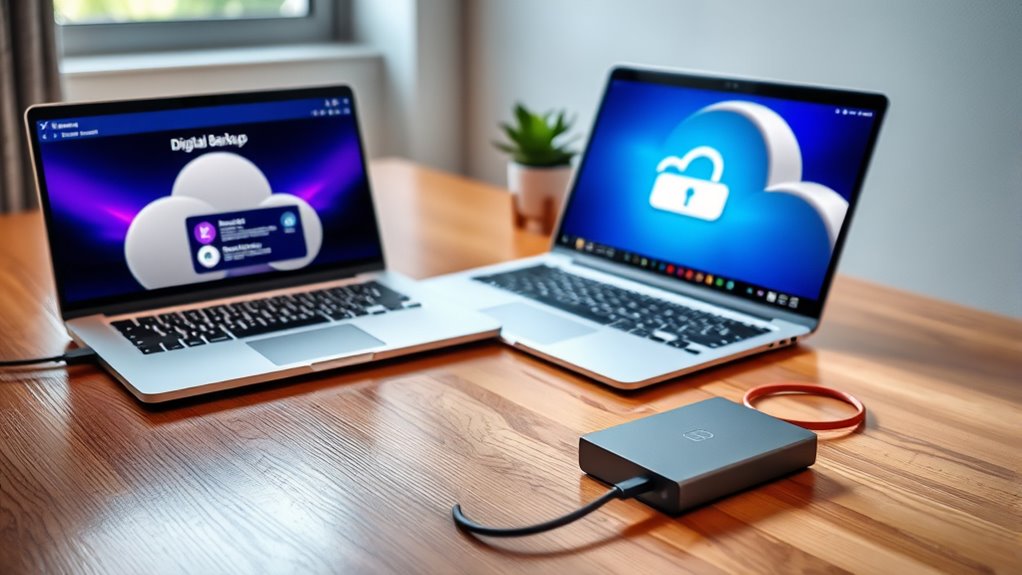

Backing up your data securely involves choosing between cloud services and external drives, each offering benefits. Cloud backups automatically encrypt and update your files, making them easily accessible from anywhere. External drives require manual backups and should be encrypted for security. Using both options with automation and encryption provides maximum protection and peace of mind. To learn how to make the most of these methods and keep your data safe, keep exploring this guide.
Key Takeaways
- Cloud backups offer automatic, encrypted storage accessible from anywhere, while external drives require manual backups and physical access.
- Using encryption and automation enhances security and simplifies maintenance for both cloud and external drive backups.
- Cloud solutions typically include version control and easy scalability, whereas external drives need manual updates and management.
- Regularly reviewing and updating backup strategies ensures data remains protected and current across both methods.
- Combining cloud and external drive backups provides a comprehensive safety net against hardware failure, cyber threats, and accidental loss.
Backing up your data is an essential step to protect yourself from unexpected loss, whether due to hardware failure, cyberattacks, or accidental deletion. When you back up, you’re creating a safety net that guarantees your valuable files, photos, and work documents remain accessible even if your primary device encounters issues. One key aspect of securing your backups is data encryption. By encrypting your data, you make sure that even if a malicious actor gains access to your backup, they can’t read or misuse your information. Encryption transforms your data into an unreadable format, providing an extra layer of security that’s especially important when using cloud services or external drives stored in less secure locations.
Another critical factor to weigh is backup automation. Automating your backups means you don’t have to remember to do it manually; instead, your system schedules and executes backups automatically at regular intervals. This reduces the risk of forgetting, guarantees your data is consistently protected, and minimizes human error. Many backup solutions—whether cloud-based or external—offer automation features that let you set and forget, providing peace of mind that your latest files are always backed up without additional effort. Automation also helps maintain version control, so you can revert to previous versions of files if needed.
Choosing between cloud backups and external drives depends on your needs, but both benefit from incorporating data encryption and backup automation. Cloud storage services typically encrypt your data during transfer and at rest, adding security to your backups. They often include automatic backup options, making it easier to keep your data current without manual intervention. External drives, on the other hand, require you to manually initiate backups or set up automated backup software. When using external drives, you should encrypt your data before copying it onto the device to prevent unauthorized access if the drive gets lost or stolen. Implementing encryption best practices further enhances your data security.
Regardless of your choice, integrating data encryption and backup automation into your routine assures your data remains safe, accessible, and up-to-date. These practices reduce the risk of data loss considerably and provide peace of mind knowing that your important information is protected against various threats. Regularly reviewing your backup strategy and updating security measures keeps your data resilient against evolving cyber threats and hardware issues. Ultimately, making backups a consistent part of your digital life is your best defense against the unpredictable, giving you confidence that your data is secure wherever it’s stored.
Frequently Asked Questions
How Often Should I Back up My Data?
You should back up your data regularly, ideally setting a consistent backup schedule based on your frequency planning. For daily or weekly updates, automate your backups to guarantee nothing gets missed. If you handle a lot of important files, consider more frequent backups. Establish a routine that fits your usage, so your data stays protected without adding extra hassle. Consistent backup schedules help prevent data loss and keep your information secure.
Which Backup Method Is More Secure?
Think of your data like valuable jewelry—both need protection. Cloud backups often use advanced encryption standards, making them more secure against cyber threats. External drives can be physically stolen or damaged, risking data loss. Ensuring both methods have strong encryption and physical security measures maximizes safety. So, combining encrypted cloud backups with secure external drives offers the best protection, giving you peace of mind in case one method fails.
Can I Use Both Cloud and External Drives Together?
Yes, you can definitely use both cloud and external drives together for a hybrid backup. This approach enhances redundancy planning, ensuring your data stays protected even if one method fails. By combining the two, you create multiple layers of security, making it harder for data loss to occur. It’s a smart way to maximize protection and peace of mind, especially for important or sensitive information.
How Do I Restore Data From Backups?
To restore data from backups, start by selecting the most recent backup that maintains data integrity. Use your backup software or cloud service to initiate the restore process. Verify the restored files to confirm data integrity and completeness. Check that all important files are accessible and functioning properly. Regular data verification during backups helps prevent corruption, making sure your restored data remains reliable and accurate.
What Are the Costs Associated With Cloud Backups?
Worried about costs? Cloud backups usually involve subscription costs that vary based on storage limitations. You might find that larger storage plans cost more, but they offer the convenience of automatic updates and remote access. While some plans seem pricey upfront, consider the peace of mind knowing your data is safe. Comparing providers helps you find a plan that balances affordability with enough storage for your needs.
Conclusion
Whether you choose the cloud or an external drive, backing up your data protects your future. While the cloud offers convenience and remote access, an external drive provides physical control and security. Both methods have their strengths and vulnerabilities. Think of your backup strategy as a safety net—trusting one alone leaves gaps. By combining both, you create a resilient shield, ensuring that no matter what happens, your memories and work stay safe and accessible.