To make your fitness tech work harder for you, guarantee it’s fitted snugly yet comfortably, and keep it clean for accurate readings. Regularly update firmware and calibrate sensors, and switch to activity-specific modes for better data. Turn off unused features and enable power-saving settings to extend battery life. Adjust placement and environment settings to optimize performance, and monitor your data for inconsistencies. Keep exploring to discover more tips for maximizing your device’s potential.
Open a free Amazon Business account
Business pricing, bulk buying and tax-exempt orders.
As an affiliate, we earn on qualifying purchases.
Key Takeaways
- Regularly update firmware and calibrate sensors for optimal accuracy and performance.
- Ensure proper fit and placement to improve data reliability and reduce measurement errors.
- Customize activity modes and device settings to align with your specific fitness goals.
- Use environment-specific settings and avoid interference from clothing or external factors.
- Monitor data regularly to identify inconsistencies and adjust wear or usage accordingly.
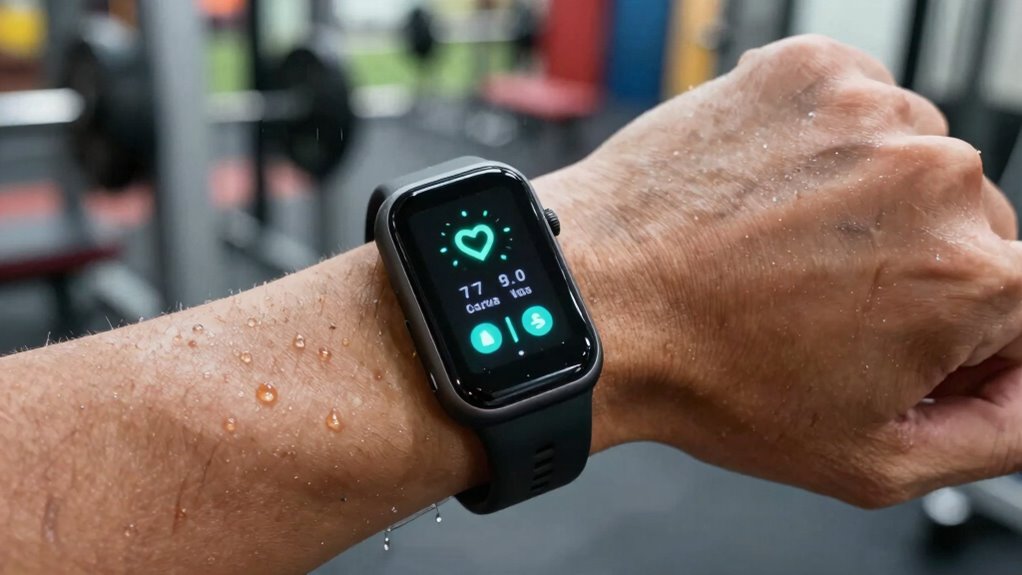
In today’s busy world, a single piece of fitness tech can be a powerful tool — if you know how to make it work harder for you. Whether it’s a fitness tracker, smartwatch, or heart rate monitor, understanding how to optimize its features ensures you get the most out of your investment. Two key factors to focus on are wearable accuracy and battery longevity. These elements can significantly impact your experience and the insights you gain from your device.
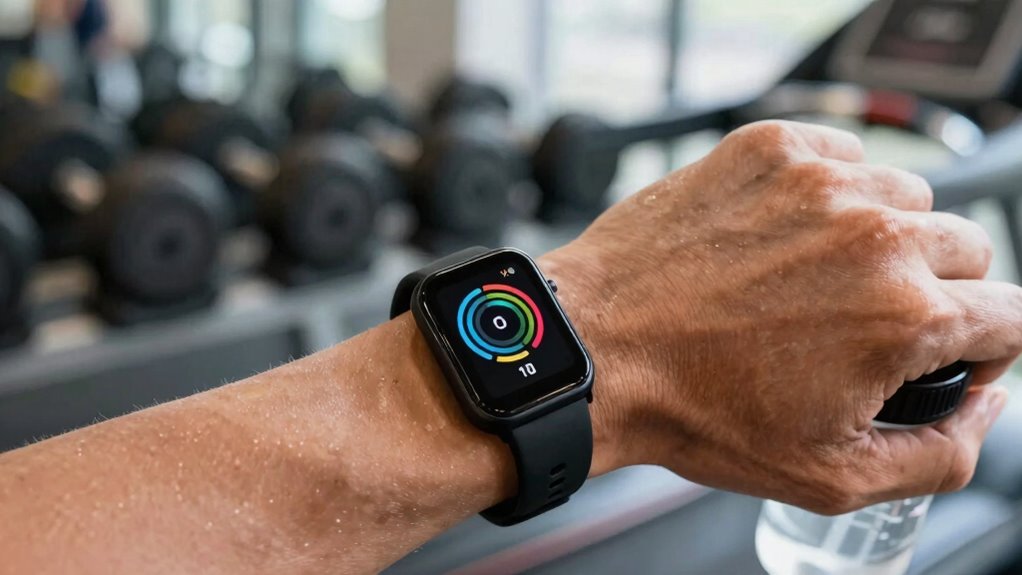
First, pay attention to wearable accuracy. Many devices claim high precision, but not all deliver consistent results. To improve accuracy, ensure your device fits snugly but comfortably on your wrist or body part. A loose fit can lead to erroneous readings, especially during movement. Regularly update the device’s firmware and calibration settings, as manufacturers often release updates that enhance sensor performance. When tracking specific metrics like heart rate or step count, use your device in the environment it’s designed for; for instance, avoid wearing it over thick clothing or in extreme weather conditions that can interfere with sensors. If your device allows, customize settings or select the appropriate activity modes, as these can refine data collection. Monitoring your data regularly helps you spot inconsistencies and adjust how you wear or use the device accordingly. Additionally, understanding the role of contrast ratio in how your device displays information can improve visibility and usability during different lighting conditions. Regularly cleaning the sensors and maintaining proper fit can also help improve the accuracy of readings, especially when tracking sensitive metrics. Incorporating sensor calibration techniques can further enhance measurement precision over time. Using wearable placement strategies can also make a noticeable difference in measurement accuracy.
Battery longevity is another critical aspect. The longer your device stays powered, the less you need to worry about interruptions in tracking or syncing data. To maximize battery life, turn off features you don’t need—like Bluetooth, Wi-Fi, or GPS—when not in use. Most devices have power-saving modes; activating these can extend usage between charges. Be mindful of your charging habits; avoid letting the battery drain completely, which can degrade overall battery health over time. Instead, charge your device when it reaches around 20-30%. If your device has an OLED or AMOLED screen, dim the display or reduce screen timeout settings to conserve power. Regularly cleaning the sensors and charging ports can also prevent power issues caused by debris or corrosion. Additionally, consider the environment: extreme temperatures can affect battery performance, so avoid exposing your device to excessive heat or cold. Incorporating effective charging practices can further prolong your device’s battery life and overall health.
fitness tracker screen protector
As an affiliate, we earn on qualifying purchases.
As an affiliate, we earn on qualifying purchases.
Frequently Asked Questions
How Can I Extend My Fitness Device’s Battery Life Effectively?
To extend your fitness device’s battery life, focus on device maintenance and battery optimization. Turn off unnecessary features like GPS and Bluetooth when not in use. Reduce screen brightness and enable power-saving modes. Keep the device updated, close background apps, and avoid extreme temperatures. Regularly clean your device’s sensors and ports to guarantee efficient operation. These steps help conserve battery, keeping your fitness tech ready whenever you need it.
What Are Some Hidden Features in My Fitness Tech?
Like discovering hidden passages in a castle, explore your fitness device’s secret features. Check for fitness app integrations that sync with other tools, giving you a holistic view of your health. Regular device firmware updates often reveal these hidden features, enhancing your experience. Sometimes, you can customize notifications or access advanced stats. Keep an eye on your device’s settings menu and app updates to uncover these hidden gems and maximize your tech’s potential.
How Do I Troubleshoot Connectivity Issues With My Device?
To troubleshoot connectivity issues with your fitness device, start by checking the device firmware to confirm it’s up to date. Then, toggle Bluetooth off and on both your device and your smartphone to refresh the connection. Re-pair your device via Bluetooth, making sure it’s within range and unpaired from other devices. Restart both devices if needed, and verify that your phone’s Bluetooth settings are enabled for maximum pairing.
Can I Customize Notifications Without Affecting Performance?
Ever wondered if you can customize notifications without hurting your device’s performance? You absolutely can! Notification customization allows you to pick what alerts you receive, reducing distractions. Just be mindful of the settings—you don’t want to overload your device with too many notifications, which could impact performance. Adjust app alerts selectively, and you’ll keep your fitness tech running smoothly while staying informed on what matters most.
What Safety Precautions Should I Take When Using Fitness Tech Outdoors?
When using fitness tech outdoors, prioritize outdoor safety by staying aware of your surroundings and avoiding busy or unsafe areas. Check weather precautions before heading out; protect your device from rain, dust, and extreme temperatures. Use reflective gear or lights in low visibility conditions, and stay hydrated. Always inform someone about your route and expected return time. These steps guarantee your safety while maximizing your device’s performance during outdoor activities.
As an affiliate, we earn on qualifying purchases.
Conclusion
Now that you know how to maximize your fitness tech, imagine what you could achieve with just one more feature or a hidden setting. Are you truly accessing its full potential? Keep experimenting, stay curious, and don’t settle for surface-level data. The real gains might be just a tweak away. Your next breakthrough could be lurking right beneath the surface—are you ready to discover it? The secret to leveling up is closer than you think.
heart rate monitor calibration kit
As an affiliate, we earn on qualifying purchases.
As an affiliate, we earn on qualifying purchases.
activity-specific fitness watch bands
As an affiliate, we earn on qualifying purchases.
As an affiliate, we earn on qualifying purchases.
Fall Picks
fall essentials
As an affiliate, we earn on qualifying purchases.