To integrate your fitness equipment with Alexa or Google Assistant, first ensure your devices are compatible or use a smart hub if needed. Then, use each device’s app to link your equipment to your voice assistant. Customize commands for a natural workout flow and test them to guarantee they work smoothly. Fine-tuning your setup can make workouts more convenient and hands-free—keep exploring to open even more tips for seamless smart home fitness integration.
Key Takeaways
- Verify if your fitness equipment supports Alexa or Google Assistant to ensure compatibility.
- Use device-specific apps to link your fitness gear with your chosen voice assistant.
- Customize voice commands to make controlling your equipment more natural and intuitive.
- Integrate your fitness devices with other smart home routines for a seamless workout experience.
- Test and fine-tune your setup regularly to ensure reliable voice control during exercise sessions.
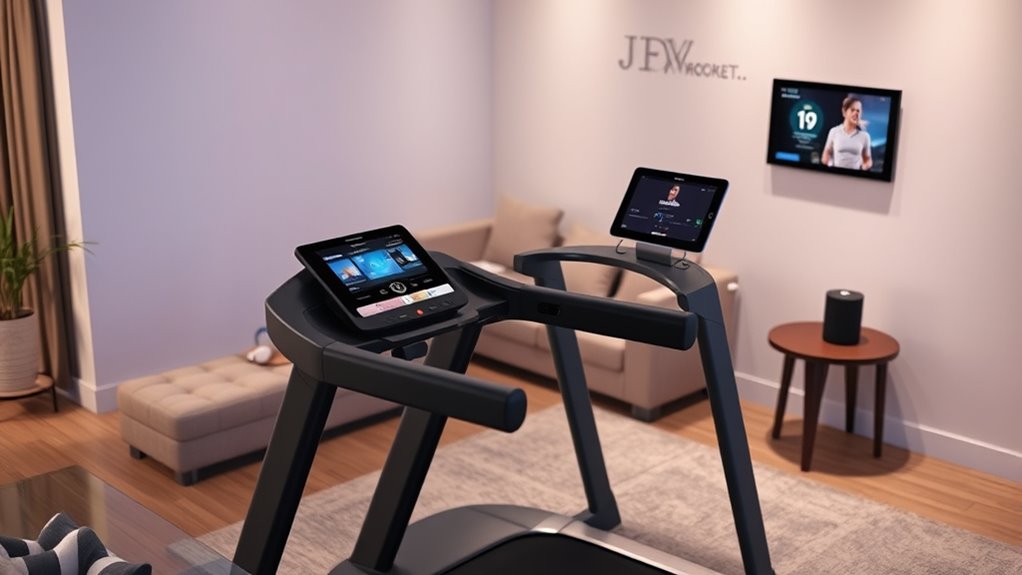
Have you ever wondered how your home can become smarter and more efficient? Integrating your voice assistant with your fitness equipment is a game-changer, and it all starts with understanding how to maximize voice command customization and guarantee device compatibility. When you set up your smart home, you want every device to work seamlessly together, making daily routines smoother and more intuitive. By customizing voice commands, you gain the power to control your fitness gear effortlessly, whether you’re starting a workout, adjusting settings, or checking your progress.
First, check if your fitness equipment is compatible with Alexa or Google Assistant. Many modern devices come with built-in compatibility, but some may require additional smart hubs or updates. Ensuring device compatibility means you won’t face frustrating disconnects or limited functionality. Once you confirm compatibility, you can begin linking your devices to your voice assistant through their respective apps. This step creates a bridge, allowing commands to flow smoothly between your voice platform and your fitness gear.
Verify your fitness device’s compatibility with Alexa or Google Assistant to ensure seamless integration and functionality.
Next, focus on voice command customization. Instead of relying on generic commands, you can personalize phrases that feel natural to you. For example, instead of saying, “Hey Google, start treadmill,” you might set it up to respond to “Let’s get moving” or “Start my workout.” Custom commands make interactions more intuitive, especially during exercise when you might not want to remember exact phrasing. Many apps and devices let you create these custom commands, which can be tailored to specific routines or preferences.
Additionally, many smart home systems offer integrated automation features that can enhance your fitness routines by linking your devices with other smart home functions, creating a more cohesive environment. Once everything is connected, test your setup. Say your personalized commands and see if your fitness equipment responds as intended. If not, revisit the app settings or check for firmware updates. Fine-tuning your setup might take a little effort, but it pays off by offering hands-free control during your workout. You can pause or resume sessions, change resistance levels, or even switch between different exercise modes—all with just your voice.
Frequently Asked Questions
Can I Connect Multiple Fitness Devices to One Smart Home System?
Yes, you can connect multiple fitness devices to one smart home system. Device synchronization allows seamless control and data sharing among your devices, enhancing your workout experience. Just make certain you manage user privacy settings carefully, as connecting numerous devices can increase data exposure. Keep your system updated, and regularly review privacy controls to protect your personal information while enjoying integrated fitness tracking and smart home convenience.
What Security Measures Protect My Fitness Data When Integrated?
Sure, your fitness data is protected by data encryption and privacy safeguards, but don’t get too comfy. While encryption keeps your info safe from hackers, privacy concerns linger if companies misuse your data or share it without notice. You’re protected, yet vulnerable—kind of like locking the door but leaving a window open. Always check privacy policies and manage your settings to stay in control of your personal info.
Are There Compatibility Issues Between Different Brands of Fitness Equipment?
You might face compatibility issues between different brands of fitness equipment because of varying standards for device interoperability. Some brands prioritize brand compatibility, ensuring their devices work seamlessly together, while others may have limited interoperability. To avoid frustrations, check the device specifications and compatibility lists before purchasing. Using devices that support common standards like Bluetooth or Wi-Fi can help guarantee smooth integration and better interoperability across your fitness ecosystem.
How Do I Troubleshoot Connectivity Problems With My Smart Fitness Devices?
When troubleshooting connectivity issues with your smart fitness devices, start by checking that your device firmware is up to date, as outdated firmware can cause sync problems. Next, make certain your app syncs properly with your device; try restarting the app and reconnecting the device via Bluetooth or Wi-Fi. Confirm your internet connection is stable, and reset your device if necessary. These steps typically resolve most connectivity issues quickly.
Can I Schedule Specific Workouts Through Voice Commands?
Ever wondered if you can schedule specific workouts with just your voice? You definitely can! By customizing your voice commands, you can easily set up workout schedules and reminders. Simply tell Alexa or Google to start your workout at a certain time or to remind you about your fitness goals. This way, you stay consistent and motivated without lifting a finger—your smart device handles the scheduling and reminders seamlessly.
Conclusion
Think of your smart home system as the conductor of an orchestra, seamlessly harmonizing your fitness equipment with Alexa and Google. When all the instruments play together, your workout becomes a symphony of convenience and motivation. By integrating your devices, you’re not just exercising—you’re orchestrating a smarter, more connected life. Embrace this harmony, and watch your fitness journey become a masterpiece, all under your command.