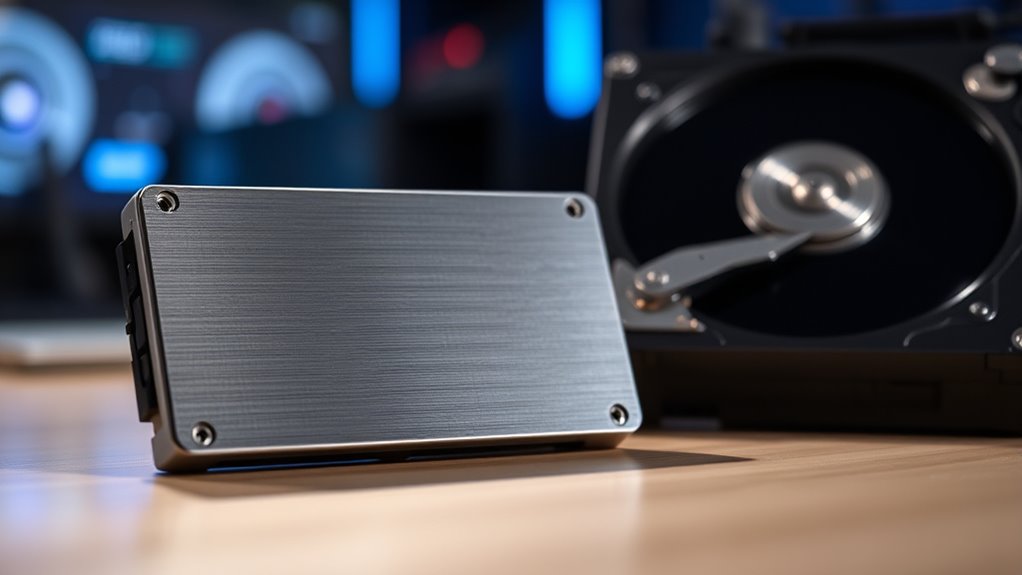

Upgrading from an HDD to an SSD will give you a substantial performance boost. SSDs use flash memory for faster data access, resulting in quicker boot times, faster program loads, and shorter file transfer durations. They also generate less noise and heat, making your system more durable and reliable. If you want a noticeable improvement in speed and responsiveness, switching to an SSD is the smarter choice. Further details reveal even more reasons to choose an SSD over an HDD.
Key Takeaways
- SSDs offer significantly faster data transfer, boot, and program load times compared to HDDs.
- SSDs provide quieter operation and generate less heat, enhancing overall system performance.
- The lack of moving parts makes SSDs more durable and reliable under physical shocks.
- HDDs are generally slower due to mechanical components, impacting performance in speed-critical tasks.
- For optimal performance, SSDs are the better upgrade choice, especially for gaming, editing, or fast data access.
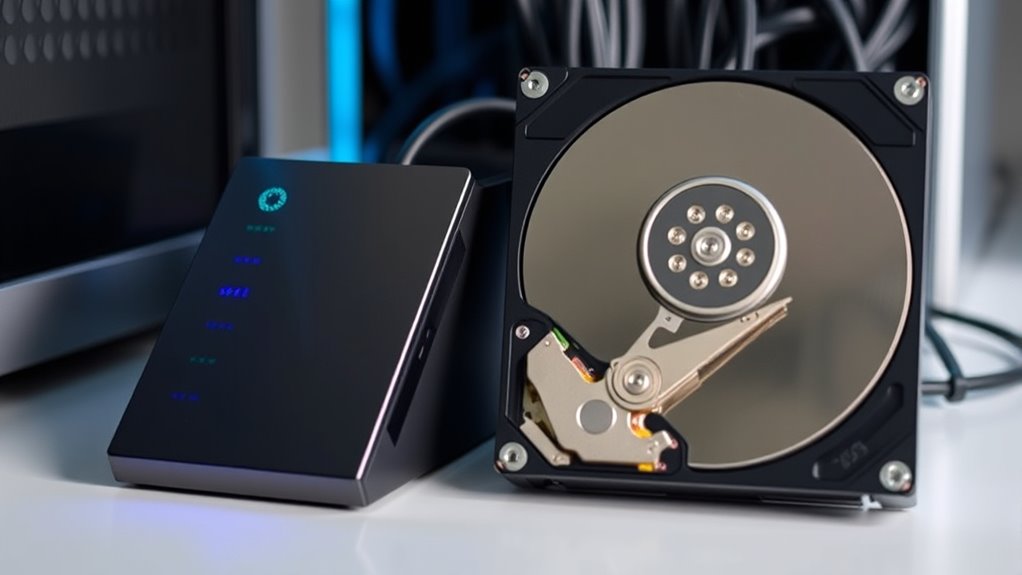
When choosing between SSDs and HDDs, understanding their differences is essential for making the right decision for your needs. One of the most noticeable distinctions lies in data transfer speeds. SSDs, or solid-state drives, use flash memory to store data, which allows them to access and transfer information much faster than traditional HDDs, or hard disk drives. This means your system boots up faster, programs load more quickly, and file transfer times are considerably reduced. If you’re someone who values speed and responsiveness, an SSD can dramatically improve your overall computing experience. On the other hand, HDDs rely on spinning disks and mechanical arms, which inherently limit their data transfer capabilities. While they may still be sufficient for basic storage needs, they can’t match the rapid data access speeds that SSDs offer. Additionally, SSDs excel in reducing noise and heat compared to HDDs, making them a more silent and thermally efficient option. Durability and reliability are equally important factors to think about. Since SSDs have no moving parts, they are far less vulnerable to physical shocks, drops, or vibrations. This makes them a more durable choice, especially if you move your device around frequently or use it in environments where bumps are common. HDDs, with their spinning disks and mechanical components, are more susceptible to damage from physical impacts. Over time, the mechanical parts can wear out or fail, leading to potential data loss. SSDs tend to have a longer lifespan in terms of operational reliability because they don’t depend on delicate moving parts. This increased durability can save you money and hassle over the long term, as the likelihood of hardware failure diminishes. Furthermore, the reliability of SSDs extends beyond physical durability. They are less prone to data corruption caused by vibrations or sudden movements, making them a safer choice for critical data storage. While HDDs can be reliable too, their mechanical nature means they require more careful handling and regular backups. If you prioritize a storage solution that offers better durability and consistent reliability, SSDs are generally the smarter investment. They’re designed to withstand the rigors of daily use, which makes them ideal for laptops, portable drives, or any application where physical shocks are a concern.
Frequently Asked Questions
How Do SSDS Impact Gaming Performance Compared to HDDS?
Switching to an SSD considerably boosts your gaming performance by reducing game load times, so you can jump into your favorite titles faster. You’ll also notice smoother gameplay with fewer stutters, as SSDs help improve frame rate stability. Unlike HDDs, SSDs load data quickly, giving you an overall snappier gaming experience. This upgrade makes a noticeable difference, especially in open-world and data-heavy games where quick access matters.
Are SSDS More Energy-Efficient Than HDDS for Laptops?
Think of your laptop’s storage as a wise traveler choosing the path of least resistance. SSDs are more energy-efficient than HDDs, reducing power consumption and offering significant energy savings. They use less power to operate, which means your laptop’s battery lasts longer. This makes SSDs a smarter choice for conserving energy, especially when on the go, ensuring you get better efficiency without sacrificing performance.
What Is the Lifespan Difference Between SSDS and HDDS?
You’ll find that SSDs generally have a shorter lifespan than HDDs due to wear leveling, which helps evenly distribute writes. SSDs typically last around 5 to 10 years, depending on usage, while HDDs can last 3 to 5 years. Data retention also plays a role; SSDs may lose data faster if powered off for long periods, but with proper care, both drives can serve you well over time.
Can Upgrading to an SSD Improve Boot Times Significantly?
Upgrading to an SSD is like trading in a bicycle for a sports car; your boot times will skyrocket. You’ll notice your system wakes up and loads apps in a flash, making waiting a thing of the past. While SSDs often come with a higher cost per storage capacity than HDDs, their speed boost is worth it. Plus, you’ll enjoy snappier performance without sacrificing much space for the upgrade.
Are There Compatibility Issues When Replacing HDDS With SSDS?
You might encounter compatibility concerns when replacing an HDD with an SSD, but they’re usually minimal. Check your hardware limitations, such as the interface type (SATA or NVMe) and physical size, to make certain the SSD fits and connects properly. Most modern systems support SSDs without issues, but older models may require adapters or BIOS updates. Always verify your device specifications before upgrading to avoid compatibility problems.
Conclusion
If you’re looking for a significant performance boost, upgrading to an SSD is your best bet. Did you know that SSDs can be up to 20 times faster than traditional HDDs? This means quicker boot times, faster file transfers, and smoother overall performance. While HDDs still offer ample storage at a lower cost, an SSD can truly transform your experience, making your computer feel brand new. Make the switch to enjoy lightning-fast speeds today.