Open your eyes to a more comfortable digital experience by learning how to enable dark mode everywhere—you’ll wonder how you ever managed without it.
Browsing Category
How-To Guides
26 posts
How to Create a Website in One Day (No Coding Required)
Keen to build a professional website in just one day without coding? Discover how simple it can be to launch your site now.
DIY Home Office Upgrade: How to Set Up Dual Monitors
Upgrade your workspace with dual monitors by following simple steps to boost productivity and comfort, and discover how to create the perfect setup.
How to Recover Deleted Files (Even If You Think They’re Gone)
I’ll show you how to recover deleted files even if you think they’re gone, so you can potentially restore your important data—keep reading to learn more.
How to Back Up Your PC: Never Lose Files Again
Backup your PC effectively to prevent data loss; discover simple methods to keep your files safe and always accessible.
Ultimate Wi-Fi Security: How to Set Up a Guest Network at Home
Nurture your home network’s security by learning how to set up a guest Wi-Fi network with essential steps to keep your main devices safe.
Forgot Your Password? Here’s How to Reset It Safely
Just forgot your password? Here’s how to reset it safely and regain access—discover the essential steps to protect your account now.
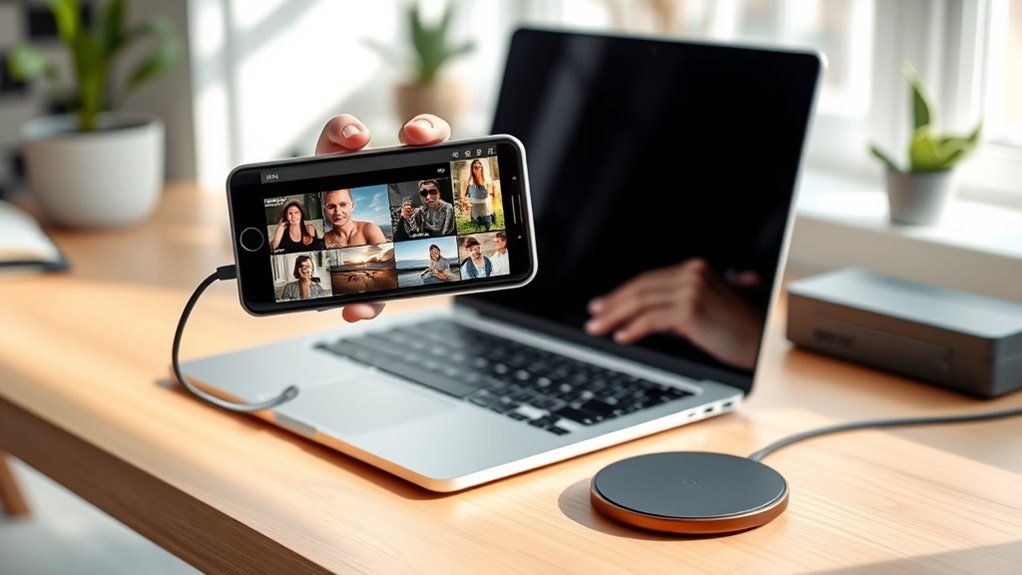
How to Transfer Photos From Your Phone to Your Computer (The Easy Way)
Just follow these simple steps to transfer photos from your phone to your computer effortlessly, and discover the easiest method for your needs.
No More Spam: How to Stop Unwanted Emails for Good
Here’s how to stop unwanted emails for good and protect your inbox from persistent spam threats.
How to Make Your Printer Actually Print (Troubleshooting Common Issues)
Printer problems can be frustrating, but troubleshooting common issues can help ensure your device prints reliably when you need it most.