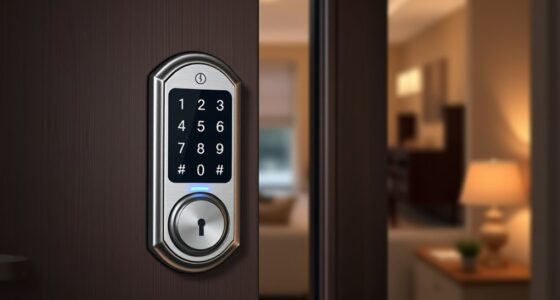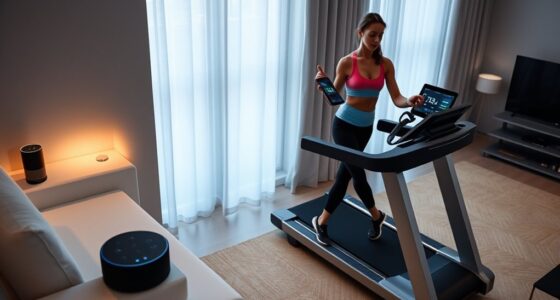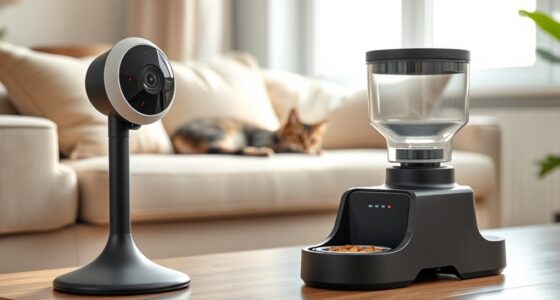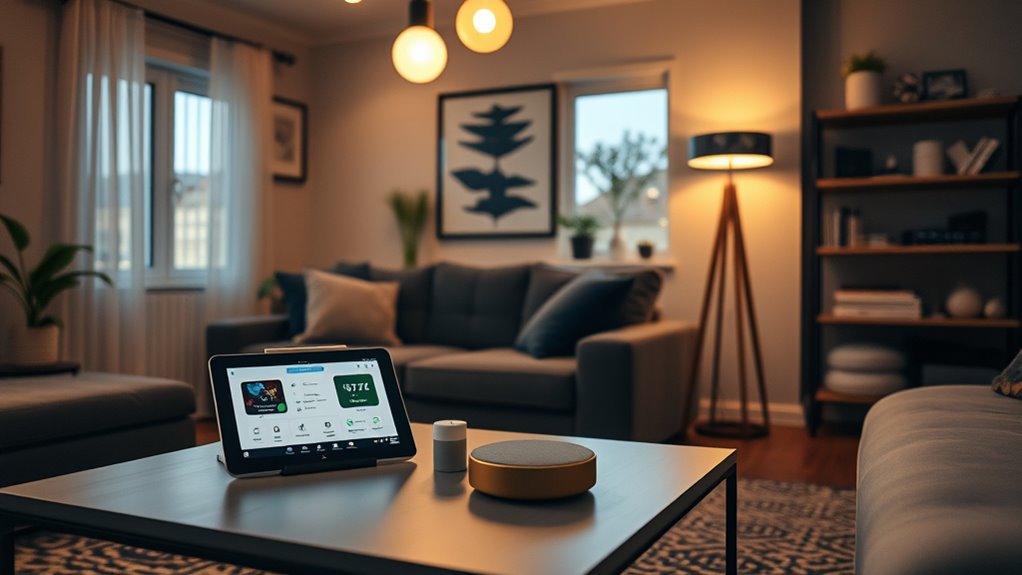

You can set up a smart home on a budget by choosing affordable, DIY-friendly devices like smart bulbs, plugs, and thermostats that are easy to install and require no technical skills. These devices often come with clear instructions and online tutorials, allowing you to customize your system gradually and save money. Plus, they help cut energy costs through automation and remote control. Keep going to discover simple tips to expand your smart home without overspending.
Key Takeaways
- Choose affordable, easy-to-install smart devices like bulbs and plugs to start automating your home cost-effectively.
- DIY installation saves money and allows you to customize your smart home system gradually.
- Use smart thermostats and lighting to reduce energy consumption and lower utility bills.
- Follow clear instructions and online tutorials to set up devices without professional help.
- Expand your system over time with additional devices, maximizing value without high upfront costs.
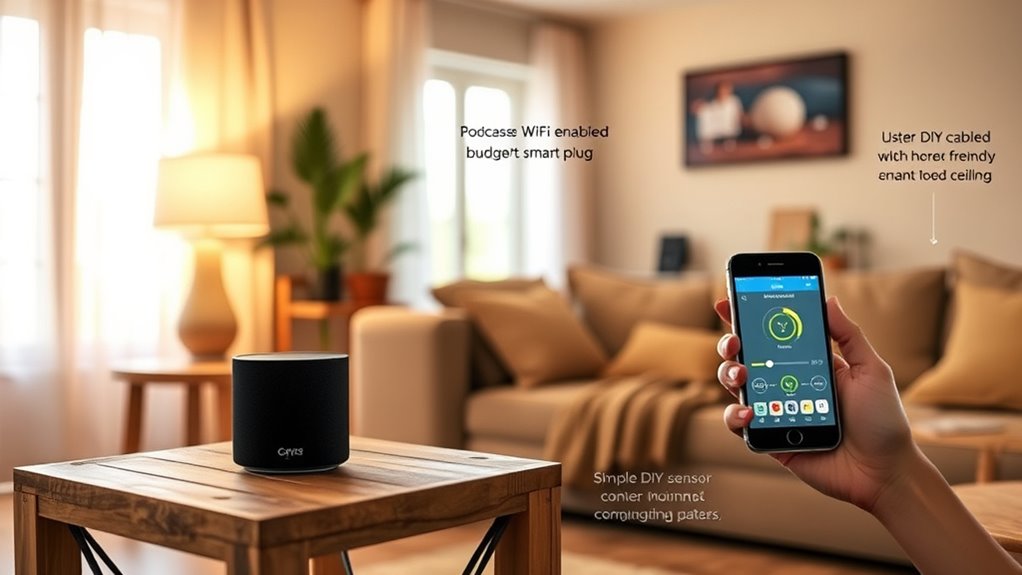
Have you ever wondered how to turn your home into a smart space without breaking the bank? The good news is, you don’t need to spend a fortune or hire professionals to get started. With some simple DIY installation, you can upgrade your home’s technology and enjoy the benefits of automation. The key is to focus on affordable devices that are easy to set up and use. Smart bulbs, for example, often come with straightforward instructions and can be installed directly into your existing fixtures. Similarly, smart plugs are a cost-effective way to control devices remotely, and most require just a quick plug-and-play setup. By doing the installation yourself, you save on labor costs and gain a sense of satisfaction from personalizing your home.
One of the biggest advantages of DIY installation is the immediate energy savings you can achieve. Smart devices allow you to manage your energy consumption more efficiently. For instance, smart thermostats let you set schedules or control temperature remotely, ensuring you’re not wasting energy when no one’s home. Smart lighting can be programmed to turn off automatically when rooms are unoccupied, reducing unnecessary electricity use. These small adjustments, made simple through DIY setup, can lead to noticeable reductions in your utility bills. Plus, many smart devices now include energy monitoring features, helping you identify which appliances or systems consume the most power. With this knowledge, you can make smarter choices about your energy use and further cut costs.
DIY smart devices help cut energy bills through efficient management and real-time monitoring.
Getting started with DIY installation doesn’t require technical expertise. Most products come with clear instructions, and online tutorials are abundant. You can set up a smart hub to connect multiple devices, or even install a few smart switches to control your existing lighting fixtures. The process is usually quick, and you can do it at your own pace. This approach not only saves money but also gives you control over your smart home setup, allowing you to customize it as your needs evolve. Additionally, understanding smart home technology can help you make informed decisions about expanding and upgrading your system over time. Over time, you can expand your system gradually, adding more devices and features without feeling overwhelmed or overspending.
In the end, transforming your home into a smart space on a budget is entirely possible through DIY installation. It’s a practical way to enjoy the convenience and energy savings of home automation without the hefty price tag. With a little effort and some research, you’ll find that making your home smarter is accessible and rewarding.
Frequently Asked Questions
Can I Automate My Home Without Wi-Fi?
Yes, you can automate your home without Wi-Fi by using wireless alternatives like Zigbee or Z-Wave, which don’t rely on internet connections. Additionally, some devices offer cellular control, allowing you to manage your smart home remotely through your mobile network. These options keep your automation functional even if your Wi-Fi goes down, giving you greater flexibility and peace of mind without extra costs.
Are DIY Smart Home Devices Reliable?
Your DIY smart home devices can be surprisingly reliable, often outperforming expectations. While they may face challenges like limited device compatibility, careful research guarantees seamless integration. The user experience can be remarkably smooth if you choose compatible gadgets and follow setup instructions diligently. Don’t underestimate the power of DIY; with patience, your homemade system can function just as well as pricey options, making automation both affordable and dependable.
How Do I Ensure Data Privacy With Smart Devices?
To protect your data privacy with smart devices, you should start by reviewing privacy settings and limiting data sharing. Use devices that support data encryption, ensuring your information stays secure during transmission. Keep firmware updated, and change default passwords to strong, unique ones. Be aware of privacy concerns and only connect trusted devices. By taking these steps, you can enjoy smart home convenience while safeguarding your personal information effectively.
Can I Add Smart Features to an Existing Home?
Yes, you can add smart features to an existing home through retrofits and wiring upgrades. Start by identifying which devices you want to automate, then choose compatible smart products. You might need to upgrade your wiring or add new outlets to support these devices. With careful planning and some basic electrical work, you can seamlessly integrate smart technology into your current home without major renovations.
What Are the Best Budget-Friendly Smart Home Brands?
You should consider affordable options like Wyze, Eufy, and Meross, which offer budget-friendly smart home devices. These brands provide reliable products with good compatibility for automation. When comparing brands, look at features, app ease of use, and integration with other smart devices. Wyze, for example, offers cost-effective cameras and sensors, while Eufy excels in security gadgets. These options help you create a smart home without overspending.
Conclusion
With a little creativity and clever choices, you can craft a convenient, cost-effective smart home that suits your style. Don’t let budget boundaries block your brilliant blueprint for home automation. By blending budget-friendly gadgets with basic know-how, you’ll build a better, brighter, more beautiful home without breaking the bank. Embrace the excitement of economical innovation and enjoy the effortless ease of your new intelligent space—your smart home success story starts today!