
To take pro-quality photos with your phone, focus on good lighting. Use natural light whenever possible, especially during golden hour, and avoid harsh midday sun. Experiment with different angles and positions to find the best effect. After shooting, enhance your images with editing apps like Snapseed or Lightroom, adjusting brightness, contrast, and shadows. Practice these techniques consistently, and you’ll soon capture stunning, professional-looking photos that stand out—more tips await to help you master your smartphone photography skills.
Key Takeaways
- Use natural light, especially during golden hour, to enhance photo quality and mood.
- Experiment with different lighting angles to create depth and interest in your images.
- Utilize editing apps like Lightroom or VSCO to fine-tune brightness, contrast, and color for a polished look.
- Position your subject near windows or diffused light sources indoors for softer, more professional lighting.
- Practice regularly and analyze your shots to develop an eye for optimal lighting and editing techniques.

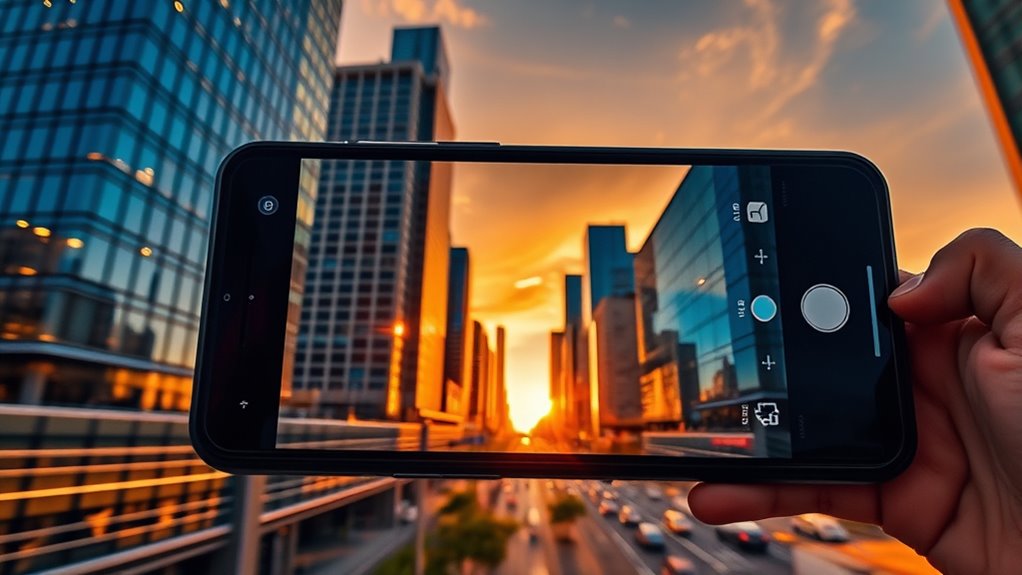
Ever wondered how to turn your everyday smartphone into a powerful photography tool? It’s easier than you might think. The secret lies in mastering some fundamental skills, like understanding lighting techniques and making the most of editing apps. Lighting is the backbone of good photography, and with smartphones, you need to be especially mindful of it. Natural light is your best friend—try shooting during the golden hour shortly after sunrise or before sunset when the sunlight is soft and warm. Avoid harsh midday sun, which can create unwanted shadows and overexposed spots. If you’re indoors, position your subject near a window to take advantage of diffused natural light. When natural light isn’t available, use your smartphone’s built-in flashlight sparingly or consider investing in portable LED lights to fill in shadows and create a balanced look. Experimenting with different lighting angles can dramatically change the mood of your photos, so don’t be afraid to move around and see what works best. Additionally, understanding lighting techniques can help you achieve more professional results in various settings.
Once you’ve captured your shot, editing apps become your best tool for elevating your photos. There are plenty of user-friendly options like Snapseed, Lightroom, or VSCO that offer advanced editing features without overwhelming you. With these apps, you can tweak brightness, contrast, and saturation to bring out the best in your images. Cropping can help improve composition, while adjusting shadows and highlights can add depth and dimension. Many editing apps also provide filters or preset styles—use these sparingly to enhance your photos without making them look overly processed. Keep in mind that subtle edits often yield more natural results, making your photos look professional without appearing heavily edited.
Combining good lighting techniques with smart editing can make a huge difference. Before you hit the shutter button, think about how lighting affects your scene and what mood you want to convey. After capturing the shot, spend a few minutes in editing apps to fine-tune your image. Practice makes perfect—over time, you’ll develop a keen eye for lighting and learn which edits bring your vision to life. Remember, the goal is to make your photos look polished yet authentic. With a little patience and experimentation, you’ll find that your smartphone can produce stunning, professional-quality images that stand out.
Frequently Asked Questions
How Can I Improve Low-Light Smartphone Photos?
To improve low-light smartphone photos, start by manually adjusting the exposure to let in more light. Use your phone’s manual mode if available, and set a longer exposure time. For sharper images, stabilize your phone with a tripod, which prevents blurring from hand movement. Also, consider using a remote shutter or timer to avoid shaking. These tips will help you capture clearer, brighter low-light shots effortlessly.
What Are the Best Editing Apps for Smartphone Photography?
Think of editing apps as your magic wand, transforming ordinary shots into stunning masterpieces. Apps like Snapseed, Lightroom, and VSCO offer a treasure trove of photo filters and editing tutorials that help you access pro-level edits. With these tools, you can brighten shadows, enhance colors, and add artistic flair, turning your smartphone photos into gallery-worthy images. Explore and experiment to find your signature style!
How Do I Stabilize My Phone for Sharper Images?
To stabilize your phone for sharper images, use a tripod whenever possible, as it provides the most stability. If a tripod isn’t available, practice a steady hand technique by bracing your elbows against your body and holding your phone close to your chest. Keep a firm grip, breathe steadily, and press the shutter gently to minimize shake. These methods help you capture clear, professional-looking photos every time.
Can Smartphone Cameras Replace Professional DSLRS?
Smartphone cameras can’t fully replace professional DSLRs yet, but camera sensor advancements and smartphone lens options are narrowing the gap. You can capture stunning, high-quality images with your phone, especially with these improvements. While DSLRs still excel in optical zoom and depth control, your smartphone offers convenience, quick access, and ever-evolving technology, making it perfect for everyday photography. For professional work, a DSLR still holds an edge, but smartphones are rapidly catching up.
What Accessories Enhance Smartphone Photography Quality?
Imagine your phone as a canvas—accessories like tripod stands and lens attachments turn it into a masterpiece. You can stabilize shots and reveal new perspectives with a tripod stand, ensuring sharp, steady images. Lens attachments expand your creative range, letting you capture wide-angle landscapes or detailed close-ups. These accessories boost your smartphone photography quality, making your photos more professional and mesmerizing—so don’t hesitate to invest in them and elevate your skills.
Conclusion
Now that you know the basics, your phone can become your ultimate photography tool. But remember, the real magic happens when you experiment and push your limits. Each shot is a new opportunity to discover something unexpected—an angle, a moment, a detail you never noticed before. So, are you ready to reveal hidden stories behind every click? The best photos are waiting just beyond your comfort zone. It’s time to see what you can create.